Follow up on open estimates before prospects go cold
Every morning, WebRun opens Knowify, finds estimates in a sent or pending status, and drafts a personalized follow-up email in Gmail for each prospect. Your sales team reviews the drafts and sends them, keeping every open bid warm without lifting a finger.
- No credit card
- Under $0.01 per run
- Cancel anytime
What does WebRun do on every run?
The exact actions WebRun takes, in order - in plain language, so you can adjust anything.
-
WebRun signs in and gets to work
Opens
app.knowify.comin a real browser with your saved login - no setup, no API keys. -
1
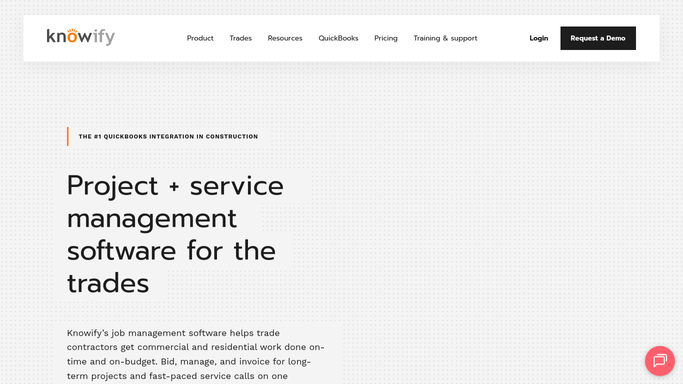
Knowify - find estimates sent but not yet accepted
knowify.com How to Automate Knowify

WebRun opens Knowify to find estimates sent but not yet accepted. - Open Knowify and navigate to the Estimates section
- Filter to estimates with status Sent or Pending Approval that are at least 3 days old
- Capture prospect name, job description, estimate value, and date sent for each
- Skip any estimate already followed up this week
Done when Every open estimate older than 3 days is listed with prospect details and value.
-
2
Gmail - draft personalized follow-up emails for each prospect
gmail.com How to Automate Gmail
WebRun opens Gmail to draft personalized follow-up emails for each prospect. - Draft a brief, professional follow-up email for each open estimate
- Reference the specific job and estimate value to make it feel personal
- Include a clear next step, such as scheduling a call or asking if they have questions
- Leave every email as a draft for your review. Do not send automatically
Done when A ready-to-send draft email is in Gmail for every open estimate that needs follow-up.

How do I automatically follow up on open estimates from Knowify?
WebRun opens Knowify every morning, finds estimates that have been sent but not accepted, and drafts a personalized follow-up email in Gmail for each prospect. Your team reviews the drafts and sends them. No message goes to a prospect without your approval, and accepted estimates are skipped automatically.
- Every open estimate gets a professional follow-up within 3 days, while the prospect still remembers the job
- Estimators spend time on new bids, not manually tracking who to call back
- No prospect email goes out without a human review
Built for concrete contractors · paving contractors · trade contractor sales teams · estimators
How is each run configured?
Secure by default
Connect once, stays signed in
WebRun signs in once and keeps each session in a persistent environment, so every run picks up right where it left off.
Every action is checked against this policy before it runs.
Questions, answered
Will it send the follow-up emails automatically?
No. Every email is drafted in Gmail and held for your review. WebRun does not send anything to a prospect without you approving and sending it yourself.
How soon after sending an estimate will it start drafting follow-ups?
By default, WebRun waits 3 days after the estimate is sent before creating a follow-up draft. You can adjust that window during setup to match how your sales cycle works.
What if the estimate is accepted or declined in Knowify before I send the draft?
WebRun reads live estimate status from Knowify each run. If an estimate is no longer open, the follow-up draft is skipped automatically so you are never chasing a closed deal.
Related templates
Put this on autopilot.
Turn it on in minutes - or have our team set it up for you.