Draft weekly client status updates for attorney review
Every Monday, WebRun opens Clio, reads the recent tasks, notes, and time entries for each active matter, drafts a clear and professional client status-update email for each one, saves it as a Gmail draft for attorney review, and logs the outreach in Notion so the team has a record.
- No credit card
- Under $0.01 per run
- Cancel anytime
What does WebRun do on every run?
The exact actions WebRun takes, in order - in plain language, so you can adjust anything.
-
WebRun signs in and gets to work
Opens
app.clio.comin a real browser with your saved login - no setup, no API keys. -
1
Clio - read recent matter activity
clio.com How to Automate Clio

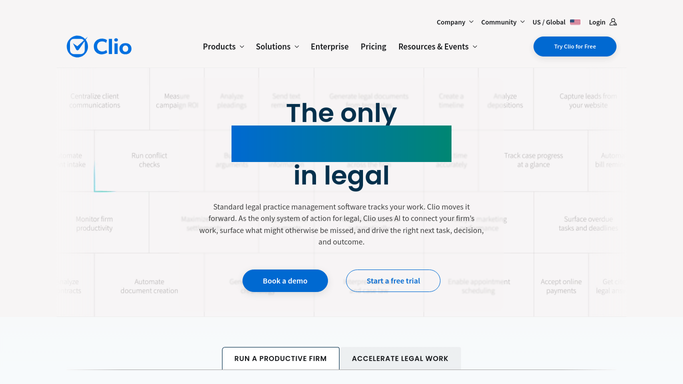
WebRun opens Clio to read recent matter activity. - Open Clio and filter active matters to those with activity in the past 7 days
- For each matter, read the recent tasks completed, time entries, and any notes added by the attorney
- Summarise the key developments in plain language suitable for a client audience
Done when A plain-language activity summary exists for each active matter with recent developments.
-
2
Gmail - draft status-update email for review
gmail.com How to Automate Gmail
WebRun opens Gmail to draft status-update email for review. - Draft a concise, professional status-update email for each client based on the Clio activity summary
- Use a warm, informative tone - no legal jargon that the client would not understand
- Save each email as a draft for the responsible attorney to review, personalise, and send
Done when A Gmail draft update email exists for every active matter client, ready for attorney review.
-
3
Notion - log the weekly update record
notion.so How to Automate Notion
WebRun opens Notion to log the weekly update record. - Log each client update draft in the firm's Notion communications tracker with the matter name, date, and draft status
- Mark each as 'Pending attorney review' until the attorney sends it
Done when All drafted updates are logged in Notion with a pending-review status.


How can I automatically draft weekly client status updates for attorney review?
Every Monday, WebRun opens Clio, reads the recent tasks, notes, and time entries for each active matter, drafts a clear and professional client status-update email for each one, saves it as a Gmail draft for attorney review, and logs the outreach in Notion - so clients stay informed and no update is missed.
- Every active matter gets a status-update draft every Monday without manual writing
- Attorneys personalise and send from Gmail drafts - no client message goes unapproved
- Outreach logged in Notion so the whole team has a communication record
Built for attorneys · law firm associates · client relationship managers · legal operations teams
How is each run configured?
Secure by default
Connect once, stays signed in
WebRun signs in once and keeps each session in a persistent environment, so every run picks up right where it left off.
Every action is checked against this policy before it runs.
Questions, answered
Will it send updates to clients automatically?
No. Every update is a Gmail draft. The attorney reviews it, personalises the tone or adds context, and decides when to send - clients never receive an unreviewed message.
Does it include legal advice in the updates?
No. WebRun summarises factual activity - tasks completed, time spent, next steps - in plain language. Any legal advice or strategic commentary is added by the attorney during review.
What about matters with no activity that week?
WebRun skips matters with no new Clio activity rather than drafting an empty or misleading update. It flags those matters separately so the attorney knows they may warrant a proactive check-in.
Related templates
Put this on autopilot.
Turn it on in minutes - or have our team set it up for you.