Catch Chatfuel flow drop-offs before they cost leads
Every morning, WebRun opens Chatfuel, reviews yesterday's conversation flows for your Messenger and Instagram bot, flags any flow where users are dropping off at a higher rate than usual, logs each one to Airtable, and emails the marketing lead a heads-up naming which flow needs a look.
- No credit card
- Under $0.01 per run
- Cancel anytime
How do I get alerted when a Chatfuel bot flow starts losing users?
WebRun reviews your Chatfuel bot's conversation flows every morning, comparing each one's completion rate against its usual baseline and flagging any with a rising drop-off. It logs the flagged flows to Airtable and emails the marketing lead a heads-up naming where users are leaving, so a broken step in a lead-generating bot gets fixed before it costs real leads.
- Broken flows get caught the same morning, not after leads disappear
- Every published flow gets checked, not just the main funnel
- A running drop-off history builds up in Airtable automatically
Built for Marketing teams · e-commerce brands · social media managers · chatbot operators
What does WebRun do on every run?
The exact actions WebRun takes, in order - in plain language, so you can adjust anything.
-
WebRun signs in and gets to work
Opens
dashboard.chatfuel.comin a real browser with your saved login - no setup, no API keys. -
1
Chatfuel - check flows for rising drop-off
chatfuel.com
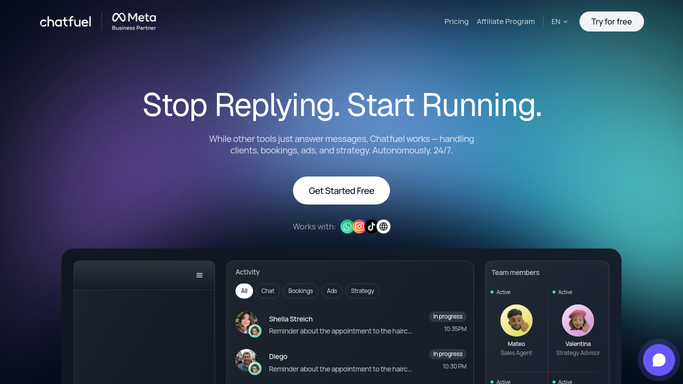
WebRun checks flows for rising drop-off in Chatfuel. - Open the bot's flow analytics for the past day
- Compare each flow's completion rate against its usual baseline
- Flag any flow with a higher than normal drop-off
Done when Every flow has a current drop-off reading.
-
2
Airtable - log the flagged flows
airtable.com How to Automate Airtable

WebRun logs the flagged flows in Airtable. - Open the bot performance base
- Log each flagged flow with its drop-off rate
- Keep prior days for trend tracking
Done when Every flagged flow is logged as a record.
-
3
Gmail - email the marketing lead
gmail.com How to Automate Gmail

WebRun emails the marketing lead through Gmail. - Draft a short email naming the flagged flows
- Include the drop-off rate and where users are leaving
- Send it to the marketing lead's inbox
Done when The marketing lead has today's heads-up in their inbox.
How is each run configured?
Secure by default
Connect once, stays signed in
WebRun signs in once and keeps each session in a persistent environment, so every run picks up right where it left off.
Every action is checked against this policy before it runs.
Questions, answered
Will it edit or fix the flow automatically?
No. WebRun only flags and reports rising drop-off. Editing the flow stays a manual step in Chatfuel.
What counts as a rising drop-off?
A flow's completion rate falling below its usual baseline for the day, not normal minor variation.
Does it check every flow in the bot?
Yes. Every published flow gets reviewed each morning, not just the main one.
Related templates
Put this on autopilot.
Turn it on in minutes - or have our team set it up for you.