Cut fuel waste by surfacing your top idling drivers every week
Every Monday, WebRun opens Motive, pulls the previous week's idle time by driver and vehicle, estimates the fuel cost of that idling, ranks drivers from highest to lowest idle hours, and posts the ranked report to your ops Slack channel for targeted coaching.
- No credit card
- Under $0.01 per run
- Cancel anytime
What does WebRun do on every run?
The exact actions WebRun takes, in order - in plain language, so you can adjust anything.
-
WebRun signs in and gets to work
Opens
app.gomotive.comin a real browser with your saved login - no setup, no API keys. -
1
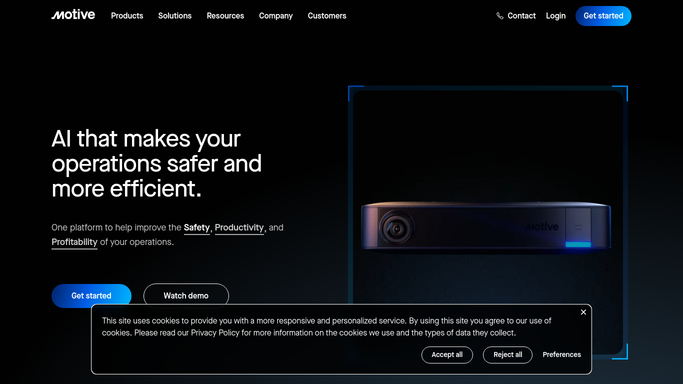
Motive - pull idle time by driver and vehicle
gomotive.com How to Automate Motive

WebRun opens Motive to pull idle time by driver and vehicle. - Open Motive and navigate to the Idle Time report under Fleet Management
- Set the date range to the previous full week for all drivers and vehicles
- Capture idle hours, idle events, and vehicle unit for each driver
- Calculate estimated fuel cost using idle hours multiplied by average engine consumption rate
Done when Idle time hours and estimated fuel cost are captured for every driver who logged idle events last week.
-
2
Slack - post ranked idle fuel-cost report
slack.com How to Automate Slack
WebRun opens Slack to post ranked idle fuel-cost report. - Format the results as a ranked list, highest idle hours first
- Include driver name, total idle hours, idle events count, and estimated fuel cost for each
- Post the ranked report to the ops Slack channel with a summary of total fleet idle cost for the week
Done when Ops team has the ranked idle time report in Slack at the start of the week.

How do I automatically report driver idle time and fuel waste from Motive?
WebRun opens Motive every Monday, pulls the prior week's idle time for every driver, estimates the fuel cost, and posts a ranked list to your ops Slack channel from highest to lowest idle hours. Your managers see exactly who to coach and what the idling cost the fleet in dollars, not just hours.
- Ops team sees a ranked idle time report with fuel cost estimates every Monday morning
- Coaching targets the highest-cost drivers, not just the most frequent idlers
- Fleet idle fuel spend is tracked week over week for trend visibility
Built for trucking carriers · fleet operations managers · owner-operators · fuel management teams
How is each run configured?
Secure by default
Connect once, stays signed in
WebRun signs in once and keeps each session in a persistent environment, so every run picks up right where it left off.
Every action is checked against this policy before it runs.
Questions, answered
Will it message drivers directly about their idling?
No. The report goes to your internal Slack ops channel only. Your managers decide how to coach individual drivers based on the rankings.
How is the fuel cost estimate calculated?
It uses idle hours multiplied by a standard diesel engine idle consumption rate of roughly 0.8 gallons per hour and your configured fuel price. You can adjust the rate in the setup.
Does it account for justified idling like PTO or refrigeration units?
It reports total idle time from Motive as recorded. Your ops team can review the ranked list and disregard drivers where idling was operationally necessary.
Related templates
Put this on autopilot.
Turn it on in minutes - or have our team set it up for you.