Recover detention revenue you would otherwise leave on the table
Every Monday, WebRun opens Motive, reviews the prior week's GPS stop data for each trip, identifies locations where the driver was on-site beyond the free-time threshold, calculates billable detention hours, and adds qualifying events to a Google Sheets detention claim report for your billing team to invoice.
- No credit card
- Under $0.01 per run
- Cancel anytime
What does WebRun do on every run?
The exact actions WebRun takes, in order - in plain language, so you can adjust anything.
-
WebRun signs in and gets to work
Opens
app.gomotive.comin a real browser with your saved login - no setup, no API keys. -
1
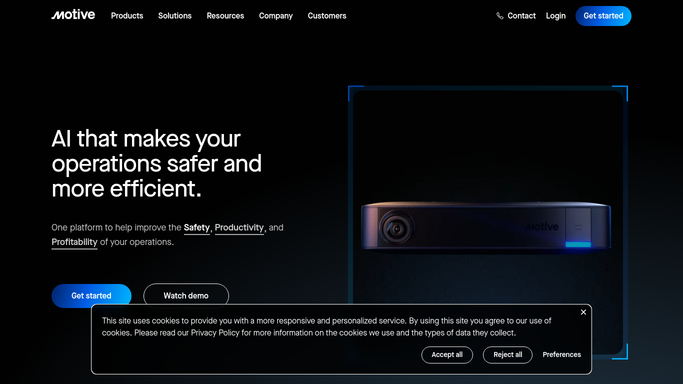
Motive - review GPS stop durations by trip
gomotive.com How to Automate Motive

WebRun opens Motive to review GPS stop durations by trip. - Open Motive and navigate to Trip History or Location Reports
- Filter to the previous week's trips for all drivers
- Identify stops where the driver was on-site beyond the configured free-time window, typically two hours
- Capture driver, trip reference, location name, arrival time, departure time, and total stop duration for each qualifying event
Done when All stops exceeding the free-time threshold are captured with trip and timing details.
-
2
Google Sheets - compile detention claim report
google.com How to Automate Google Sheets
WebRun opens Google Sheets to compile detention claim report. - Append each qualifying detention event as a new row in the detention claim sheet
- Calculate billable detention hours as total stop time minus free-time allowance
- Add a Claim Status column defaulting to Pending for billing team review
- Sort by customer name so the billing team can group claims for the same shipper together
Done when Detention claim sheet is updated with last week's qualifying events, sorted by customer for invoicing.

How do I automatically track detention time and create billing claims from Motive GPS data?
WebRun reviews every trip in Motive each Monday, finds stops where drivers waited beyond the free-time threshold at shipper or receiver locations, and adds each qualifying event to a Google Sheets detention claim log with billable hours calculated. Your billing team gets a ready list so detention revenue is captured before invoices close.
- Billing team receives a detention claim log every Monday before invoices close
- Billable hours are calculated automatically from GPS stop data, not driver memory
- Detention revenue that previously went unclaimed is captured consistently
Built for trucking carriers · billing and settlement teams · fleet operations managers · owner-operators
How is each run configured?
Secure by default
Connect once, stays signed in
WebRun signs in once and keeps each session in a persistent environment, so every run picks up right where it left off.
Every action is checked against this policy before it runs.
Questions, answered
Will it send detention invoices to customers automatically?
No. WebRun builds the claim report in Google Sheets for your billing team to review. Any invoice or charge to a customer must be approved and sent by a human.
How does it know where the free-time threshold starts?
You configure the free-time window, typically two hours for shippers and receivers, during setup. WebRun applies that threshold consistently to every stop in the GPS data.
What if the GPS data shows a long stop that was a planned layover?
The sheet includes a Notes field your billing team can use to exclude or flag events that were planned stops rather than shipper-caused delays before submitting any claim.
Related templates
Put this on autopilot.
Turn it on in minutes - or have our team set it up for you.