Turn DVIR defects into a mechanics worklist automatically
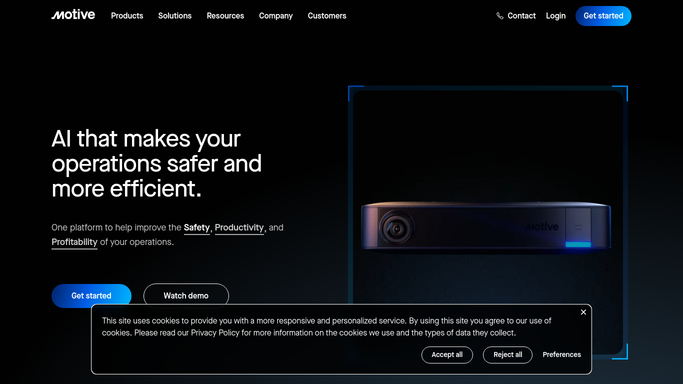
Every night, WebRun opens Motive, collects all open DVIR defects reported that day, groups them by vehicle and severity, and writes a clean worklist to Google Sheets so your mechanics start the next morning with a ready repair queue.
- No credit card
- Under $0.01 per run
- Cancel anytime
What does WebRun do on every run?
The exact actions WebRun takes, in order - in plain language, so you can adjust anything.
-
WebRun signs in and gets to work
Opens
app.gomotive.comin a real browser with your saved login - no setup, no API keys. -
1
Motive - collect open DVIR defects
gomotive.com How to Automate Motive

WebRun opens Motive to collect open DVIR defects. - Open Motive and navigate to DVIR Logs for the current day
- Filter to inspections with defects marked as requiring repair
- Capture vehicle unit number, defect description, reporting driver, and inspection time for each
- Flag any defects marked as affecting safe operation as critical priority
Done when All open DVIR defects from today's inspections are collected with vehicle and defect details.
-
2
Google Sheets - write prioritized repair worklist
google.com How to Automate Google Sheets
WebRun opens Google Sheets to write prioritized repair worklist. - Append each defect as a new row in the maintenance worklist sheet
- Set priority column to Critical for safe-operation defects, Standard for all others
- Sort the sheet by priority then by vehicle unit number
- Mark defects already cleared in Motive as Resolved and move them to the archive tab
Done when Google Sheets shows today's full defect worklist, sorted by priority, ready for mechanics at shift start.

How can I automatically track DVIR defects and create a mechanics worklist?
WebRun pulls every open DVIR defect from Motive each night, groups them by vehicle and severity, and writes a prioritized repair worklist to Google Sheets. Mechanics arrive the next morning with a sorted queue showing which defects affect safe operation first, so critical repairs never sit overnight unscheduled.
- Mechanics start every shift with a sorted, priority-ranked repair list
- Critical safe-operation defects are never buried under routine items
- Resolved defects are archived automatically to keep the list clean
Built for trucking carriers · fleet maintenance managers · private fleets · owner-operators with multiple units
How is each run configured?
Secure by default
Connect once, stays signed in
WebRun signs in once and keeps each session in a persistent environment, so every run picks up right where it left off.
Every action is checked against this policy before it runs.
Questions, answered
Will it clear defects in Motive automatically?
No. Only a certified mechanic can mark a defect repaired in Motive. WebRun reads and logs defects but never changes their status in the ELD system.
How does it handle defects that affect safe operation?
Those are flagged as Critical priority and sorted to the top of the worklist so mechanics address them before any other repair.
What if a vehicle has multiple open defects?
All defects for that vehicle are grouped together in the sheet so mechanics can assess the full condition of each unit at a glance.
Related templates
Put this on autopilot.
Turn it on in minutes - or have our team set it up for you.