Keep a shortlist of every Care.com applicant
Every evening, WebRun signs into Care.com, opens your active job post, reads the applicants and messages that came in today, writes each one into a Google Sheet with their experience, rate, and reply status, and sends you the shortlist on Telegram.
- No credit card
- Under $0.01 per run
- Cancel anytime
What does WebRun do on every run?
The exact actions WebRun takes, in order - in plain language, so you can adjust anything.
-
WebRun signs in and gets to work
Opens
www.care.comin a real browser with your saved login - no setup, no API keys. -
1
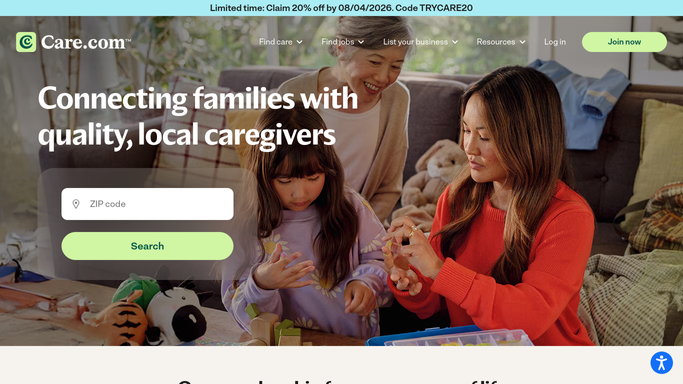
Care.com - read today's applicants
care.com

WebRun opens Care.com to read today's applicants. - Sign into Care.com and open your active job post
- Read every applicant and message received since the last run
- Capture the name, years of experience, stated rate, and availability for each
- Note which applicants you have already replied to and which are still waiting
Done when Every applicant from today is captured with their details and reply status.
-
2
Google Sheets - log the shortlist
google.com How to Automate Google Sheets
WebRun opens Google Sheets to log the shortlist. - Open your hiring sheet in Google Sheets
- Add a row per new applicant with name, experience, rate, availability, and the date they applied
- Update the status column for anyone who has since replied or been ruled out
- Sort the sheet so the newest applicants awaiting a reply sit at the top
Done when The Google Sheet holds one current row per applicant.
-
3
Telegram - send you the summary
telegram.org How to Automate Telegram
WebRun opens Telegram to send you the summary. - Send the evening summary to your Telegram chat
- List today's new applicants with experience and rate on one line each
- Call out anyone who has been waiting more than two days for a reply
Done when You have today's Care.com applicant summary on Telegram.


How do I keep track of applicants to my Care.com job post?
WebRun opens your Care.com job post every evening and reads the applicants and messages received that day. It writes each person into a Google Sheet with their experience, rate, availability, and reply status, then sends you the shortlist on Telegram with anyone waiting more than two days flagged.
- Every applicant lands in one sheet instead of a message inbox
- Nobody waits more than two days without being flagged
- Rates and availability sit side by side so comparing is quick
Built for families hiring caregivers · care agencies · household managers · small care providers
How is each run configured?
Secure by default
Connect once, stays signed in
WebRun signs in once and keeps each session in a persistent environment, so every run picks up right where it left off.
Every action is checked against this policy before it runs.
Questions, answered
Will it message applicants for me?
No. WebRun only reads your Care.com messages and builds the shortlist. Every reply, interview invitation, and hiring decision stays with you.
Does it store anything sensitive?
It records only what the applicant already put on their public profile and message: name, experience, stated rate, and availability. Nothing else is copied.
What if I reply to someone during the day?
The evening run reads the live thread state on Care.com, so anyone you have already answered is marked as replied and drops off the waiting list.
Related templates
Put this on autopilot.
Turn it on in minutes - or have our team set it up for you.