Start Monday knowing where every build stands
Every Monday, WebRun opens Bolt.new, walks your project list, notes what changed in each project last week and which ones have sat untouched, drafts a plain status email in Gmail for you to review and send, and posts the same short summary to your Slack build channel.
- No credit card
- Under $0.01 per run
- Cancel anytime
How do I get a weekly status update on all my Bolt.new projects?
WebRun opens Bolt.new every Monday and reviews your project list, noting what changed last week, what is published, and what has sat idle. It drafts a plain-English status email in Gmail for you to approve and send, and posts the same summary to your Slack build channel.
- Stakeholders get a status update every week without you writing one
- Idle projects surface before they are forgotten
- The email waits in drafts so you always have the last word
Built for indie builders · product teams · agencies · no-code developers
What does WebRun do on every run?
The exact actions WebRun takes, in order - in plain language, so you can adjust anything.
-
WebRun signs in and gets to work
Opens
bolt.newin a real browser with your saved login - no setup, no API keys. -
1
Bolt.new - review every project's state
bolt.new
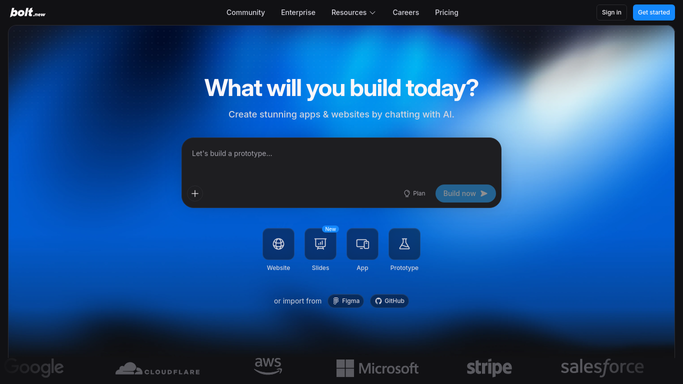
WebRun opens Bolt.new to review every project's state. - Open Bolt.new and list every project in your workspace
- For each project, note the name, when it was last edited, and whether the latest version has been published
- Flag projects edited last week and projects untouched for more than 14 days
- Capture the short description or prompt heading so the summary reads as plain English
Done when Every project has a last-edited date, a publish state, and an active or idle flag.
-
2
Gmail - draft the stakeholder update
gmail.com How to Automate Gmail

WebRun opens Gmail to draft the stakeholder update. - Open Gmail and start a new message to your stakeholder list
- Write the week's status: what moved, what shipped, what is idle
- Keep it short and free of jargon so a non-technical reader can follow it
- Leave the message in Drafts. Never send it. You review, edit, and send it yourself
Done when A ready-to-review status email is sitting in your Gmail drafts.
-
3
Slack - post the build summary
slack.com How to Automate Slack

WebRun opens Slack to post the build summary. - Post the same summary to your build channel
- List active projects first, then the idle ones with how long they have been quiet
- Note that the stakeholder email is waiting in drafts for approval
Done when The build channel has this week's project status.
How is each run configured?
Secure by default
Connect once, stays signed in
WebRun signs in once and keeps each session in a persistent environment, so every run picks up right where it left off.
Every action is checked against this policy before it runs.
Questions, answered
Will it email my stakeholders on its own?
No. The update is written into Gmail as a draft and stays there. You read it, edit anything you like, and press send. Nothing leaves your account unapproved.
Does it edit or publish my projects?
No. WebRun only reads your Bolt.new project list and their last-edited and publish state. It never opens the editor, changes code, or publishes anything.
What counts as an idle project?
Anything untouched for more than 14 days, and you can change that window. Idle projects are listed separately so long-running work is not mistaken for something stalled.
Related templates
Put this on autopilot.
Turn it on in minutes - or have our team set it up for you.