Nudge attorneys to log their billable hours every week
Every Monday morning, WebRun opens Clio, compares each attorney's logged hours from last week against their target, identifies anyone who fell short or has open matters with no entries, and sends each of them a personalised Slack message prompting them to log before billing closes.
- No credit card
- Under $0.01 per run
- Cancel anytime
What does WebRun do on every run?
The exact actions WebRun takes, in order - in plain language, so you can adjust anything.
-
WebRun signs in and gets to work
Opens
app.clio.comin a real browser with your saved login - no setup, no API keys. -
1
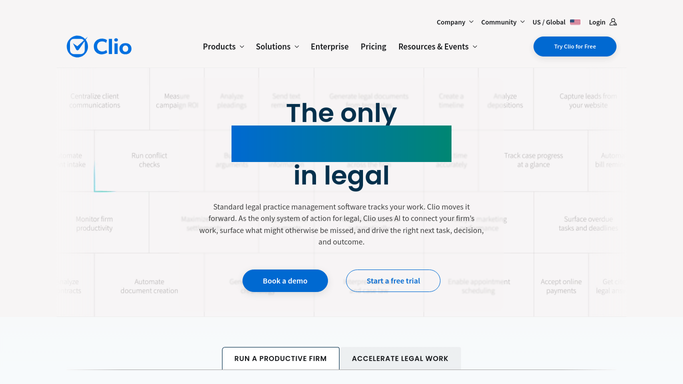
Clio - check billable-hour entries per attorney
clio.com How to Automate Clio

WebRun opens Clio to check billable-hour entries per attorney. - Open Clio Reports and run the Time Entries report for the previous week, grouped by attorney
- Compare each attorney's logged hours against their configured weekly target
- Identify any attorney below target or with active matters that have zero time entries for the week
- Capture the attorney name, hours logged, target, and the gap for each
Done when A list of attorneys with hour gaps and the specific matters needing time entries is ready.
-
2
Slack - send each attorney a personalised nudge
slack.com How to Automate Slack
WebRun opens Slack to send each attorney a personalised nudge. - Send each attorney with a gap a direct Slack message listing the matters where time is missing and how many hours short they are
- Keep the tone friendly and constructive, not punitive
- Post a firm-wide summary (without individual names) to the billing channel
Done when Every attorney below target has received a personalised Slack nudge.
-
3
Gmail - draft weekly hours summary for partner review
gmail.com How to Automate Gmail
WebRun opens Gmail to draft weekly hours summary for partner review. - Draft a weekly billing-hours summary email for the managing partner showing firm-wide hours vs targets
- Include names and gaps in the draft for the partner's review
- Save as draft - do not send until the partner approves
Done when A summary draft is in Gmail waiting for the managing partner's review and send.


How can I automatically remind attorneys to log their billable hours?
Every Monday morning, WebRun opens Clio, compares each attorney's logged hours from the prior week against their target, identifies anyone who fell short or left matters with no entries, and sends each one a personalised Slack message prompting them to log before billing closes - so billable time doesn't fall off the books.
- Unlogged hours caught and prompted every Monday before billing closes
- Every attorney with a shortfall receives a personalised reminder, not a blanket broadcast
- Fewer write-offs caused by time entries missed at week-end
Built for law firm managers · billing administrators · law firm partners · legal operations teams
How is each run configured?
Secure by default
Connect once, stays signed in
WebRun signs in once and keeps each session in a persistent environment, so every run picks up right where it left off.
Every action is checked against this policy before it runs.
Questions, answered
Will it share an attorney's hours with the whole firm?
No. Each attorney gets a private DM with only their own data. The firm-wide Slack message shows aggregates only - no individual names.
What counts as the weekly target?
You set the target per attorney (or a firm-wide default) in the workflow configuration. WebRun compares actual logged hours in Clio against that number each Monday.
Does the summary email go to the partner automatically?
No. It is saved as a Gmail draft for the managing partner to review, edit if needed, and send - full approval before delivery.
Related templates
Put this on autopilot.
Turn it on in minutes - or have our team set it up for you.