Start every day knowing exactly what is on the books
Every morning before the shop opens, WebRun opens Squire, pulls the full day's appointment schedule, groups appointments by barber, and posts a clean digest to your team Slack channel so everyone walks in knowing exactly who they have and when.
- No credit card
- Under $0.01 per run
- Cancel anytime
What does WebRun do on every run?
The exact actions WebRun takes, in order - in plain language, so you can adjust anything.
-
WebRun signs in and gets to work
Opens
app.getsquire.comin a real browser with your saved login - no setup, no API keys. -
1
Squire - pull today's full appointment schedule
getsquire.com How to Automate Squire

WebRun opens Squire to pull today's full appointment schedule. - Open Squire and pull all confirmed appointments for today
- Group the appointments by assigned barber, sorted by start time
- Note any open slots, waitlisted clients, and the total appointment count for the day
Done when Today's full schedule is captured, grouped by barber, with gaps and totals noted.
-
2
Slack - post the day's digest to the team channel
slack.com How to Automate Slack
WebRun opens Slack to post the day's digest to the team channel. - Post a formatted digest to the team Slack channel with each barber's schedule for the day
- Highlight any open slots and flag if the waitlist has clients ready to fill them
- Include the total appointment count and estimated revenue for the day
Done when The team has today's schedule digest in Slack before the shop opens.
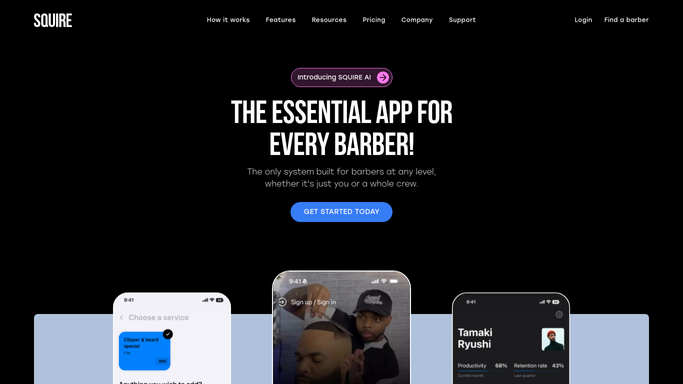

How do I automatically send my barbershop team a daily schedule digest?
WebRun opens Squire every morning before the shop opens, pulls the full appointment schedule, groups it by barber, and posts a clean digest to your team Slack channel. Every barber walks in knowing their day, open slots are flagged for the waitlist, and no one spends the first hour scrolling through a booking app.
- Every barber walks in knowing their full day before the first client arrives
- Open slots and waitlist gaps are flagged automatically every morning
- No team member needs to log into Squire just to see their day
Built for barbershops · barbers · grooming studios · multi-chair shops
How is each run configured?
Secure by default
Connect once, stays signed in
WebRun signs in once and keeps each session in a persistent environment, so every run picks up right where it left off.
Every action is checked against this policy before it runs.
Questions, answered
Does the digest go only to the team, or does it message clients?
It is an internal digest posted only to your team Slack channel. No client ever receives this message.
Can it show each barber only their own schedule?
Yes. Ask WebRun to post individual DMs to each barber in Slack instead of a shared channel digest, so each person sees only their own day.
What if a booking comes in after the digest is sent?
The digest reflects the schedule at the time it runs. Late bookings appear in the next day's digest, or you can ask WebRun to run a midday refresh as well.
Related templates
Put this on autopilot.
Turn it on in minutes - or have our team set it up for you.