Schedule mobile glass installs without the back-and-forth
When a mobile install request comes in, WebRun checks GlassBiller for the job details, looks at your technician calendars in Google Calendar to find open slots, drafts a scheduling reply with two or three options, and queues it in Gmail for your review.
- No credit card
- Under $0.01 per run
- Cancel anytime
What does WebRun do on every run?
The exact actions WebRun takes, in order - in plain language, so you can adjust anything.
-
WebRun signs in and gets to work
Opens
app.glassbiller.comin a real browser with your saved login - no setup, no API keys. -
1
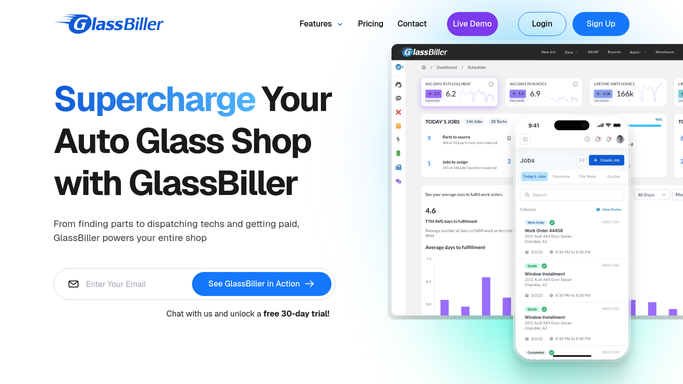
GlassBiller - read the new job request details
glassbiller.com How to Automate GlassBiller

WebRun opens GlassBiller to read the new job request details. - Open GlassBiller and locate the new mobile install job request
- Capture the customer name, address, vehicle details, glass type, and any preferred time windows
- Note the service area to match the right technician
Done when The new job request details are captured from GlassBiller.
-
2
Google Calendar - find open technician slots near the customer
calendar.google.com How to Automate Google Calendar
WebRun opens Google Calendar to find open technician slots near the customer. - Open the technician calendars in Google Calendar
- Filter for technicians who cover the customer's service area
- Find two or three available time slots in the next 3 business days that allow for travel time
Done when Two or three available appointment slots are identified for the right technician.
-
3
Gmail - draft scheduling reply with available times
gmail.com How to Automate Gmail
WebRun opens Gmail to draft scheduling reply with available times. - Draft a reply to the customer with the available time slots listed clearly
- Include the technician's name and a note about what to expect on the day
- Leave the draft unsent in Gmail for your review before it goes to the customer
Done when A draft scheduling email with available slots is queued in Gmail for review.


How do I automate scheduling for mobile auto-glass installs?
WebRun reads each new mobile install request from GlassBiller, checks your technician calendars in Google Calendar for open slots near the customer's address, and drafts a scheduling reply in Gmail with two or three time options. The draft waits for your review before it reaches the customer, removing the back-and-forth from your day.
- Scheduling replies drafted in minutes, not hours
- No double-bookings thanks to live calendar checks
- Customers get professional slot options before any call is made
Built for mobile auto glass shops · windshield replacement technicians · auto glass dispatchers · glass repair shop owners
How is each run configured?
Secure by default
Connect once, stays signed in
WebRun signs in once and keeps each session in a persistent environment, so every run picks up right where it left off.
Every action is checked against this policy before it runs.
Questions, answered
Will it book the appointment and tell the customer without me checking first?
No. WebRun drafts the scheduling reply with available slots and leaves it unsent in Gmail. You review and send it, so the customer only hears from you after you approve.
How does it know which technician to assign?
It matches the customer's address to the service area set for each technician in your calendars, then checks availability. You review the assignment before the message goes out.
What if no slots are open in the next 3 days?
It widens the search to 5 business days and notes in the draft that your next availability is slightly further out, so you can decide how to communicate that to the customer.
Related templates
Put this on autopilot.
Turn it on in minutes - or have our team set it up for you.