Know which Alibaba orders are running late
Every morning, WebRun signs into Alibaba, opens your orders, compares each one against its promised ship date, lists the orders that are late or have not moved status in days, posts the exception list to your Microsoft Teams supply channel, and sends a Telegram alert when a late order is worth more than your threshold.
- No credit card
- Under $0.01 per run
- Cancel anytime
How do I track which Alibaba orders are shipping late?
WebRun watches your Alibaba orders every morning. It reads each open order's status and promised ship date, lists the ones running late or stuck without a status change for a week, posts the exceptions to Microsoft Teams ordered by days late, and pings Telegram for high-value delays.
- Late shipments surface the morning they slip, not weeks later
- High-value delays reach you by Telegram the same day
- Repeat offender suppliers are visible from the grouped list
Built for ecommerce sellers · importers · procurement teams · supply chain managers
What does WebRun do on every run?
The exact actions WebRun takes, in order - in plain language, so you can adjust anything.
-
WebRun signs in and gets to work
Opens
alibaba.comin a real browser with your saved login - no setup, no API keys. -
1
Alibaba - check order and shipment status
alibaba.com
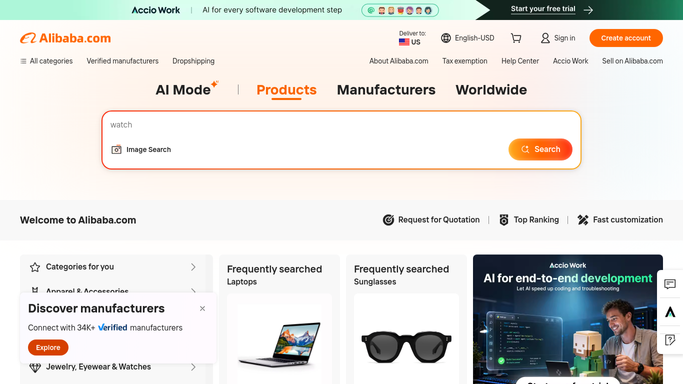
WebRun opens Alibaba to check order and shipment status. - Sign into Alibaba and open your orders list
- Record the status, supplier, value, and promised ship date for every open order
- Flag orders past their promised ship date and orders whose status has not changed in 7 days
- Note the tracking reference for anything already shipped so it can be followed
Done when Every open order has a status, a promised date, and a late or on-time verdict.
-
2
Microsoft Teams - post the late order list
microsoft.com How to Automate Microsoft Teams

WebRun opens Microsoft Teams to post the late order list. - Post the exception list to your supply chain channel, most overdue first
- Show supplier, order value, days late, and the last status change for each
- Group repeat offenders by supplier so patterns are visible
- Say plainly when every order is on track
Done when The supply channel has today's late order list ordered by days overdue.
-
3
Telegram - alert you on high-value delays
telegram.org How to Automate Telegram

WebRun opens Telegram to alert you on high-value delays. - Send a Telegram alert when a late order is above your value threshold
- Name the supplier, the order value, and how many days late it is
- Stay quiet on days where nothing crosses the threshold
- Alert your internal channel only. WebRun never messages the supplier
Done when You have been alerted about every high-value delay, and nothing else.
How is each run configured?
Secure by default
Connect once, stays signed in
WebRun signs in once and keeps each session in a persistent environment, so every run picks up right where it left off.
Every action is checked against this policy before it runs.
Questions, answered
Will it message my suppliers?
No. WebRun posts internally to Microsoft Teams and Telegram only. It never sends a supplier message, opens a dispute, or replies in Alibaba chat, so every supplier conversation is started by a person on your team.
Can it place or pay for orders?
No. WebRun reads order status and never buys anything. It cannot place an order, confirm receipt, release a payment, or change order terms, so no money moves as part of the run.
How does it decide an order is late?
It compares the promised ship date on the order against today, and separately flags orders whose status has not changed in seven days, which catches stalled orders even before the date passes.
Related templates
Put this on autopilot.
Turn it on in minutes - or have our team set it up for you.