Never miss an RFI response deadline
Every morning, WebRun opens Newforma, scans every open RFI for its response due date, logs the status to a Google Sheets tracker, and posts a Slack digest listing any RFIs due within 48 hours so the project team can act before the deadline.
- No credit card
- Under $0.01 per run
- Cancel anytime
What does WebRun do on every run?
The exact actions WebRun takes, in order - in plain language, so you can adjust anything.
-
WebRun signs in and gets to work
Opens
www.newforma.com/newforma-project-centerin a real browser with your saved login - no setup, no API keys. -
1
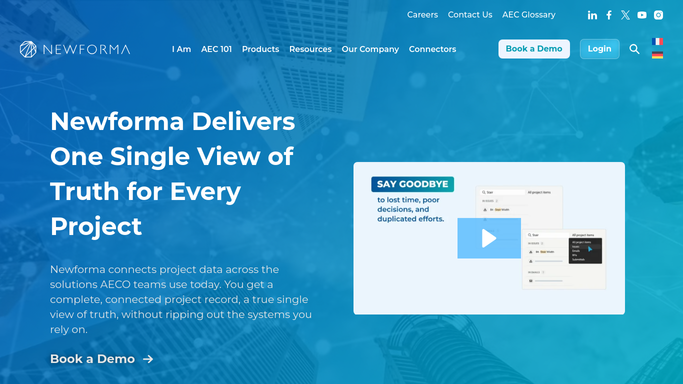
Newforma - scan open RFIs and due dates
newforma.com

WebRun opens Newforma to scan open RFIs and due dates. - Open Newforma Project Center and navigate to the RFI log for active projects
- Filter to open RFIs and capture each number, subject, due date, and assigned reviewer
- Flag any RFI whose response is due within 48 hours as urgent
Done when All open RFIs are listed with their due dates and urgency status.
-
2
Google Sheets - log status to tracker
google.com How to Automate Google Sheets
WebRun opens Google Sheets to log status to tracker. - Open the RFI tracker sheet and update each row with the latest status from Newforma
- Add any new RFIs not yet in the sheet
- Mark overdue rows in red and upcoming rows in amber
Done when The tracker sheet reflects today's RFI status across all active projects.
-
3
Slack - post deadline digest to team
slack.com How to Automate Slack
WebRun opens Slack to post deadline digest to team. - Post a digest to the project channel listing RFIs due within 48 hours
- Include the RFI number, subject, due date, and assigned reviewer for each
- Flag any already overdue items at the top of the message
Done when The project team has a current deadline list in Slack.


How can I automatically track RFI response deadlines in Newforma?
WebRun scans every open RFI in Newforma each morning, logs the current status to a Google Sheets tracker, and posts a ranked Slack digest of any responses due within 48 hours. Project teams get a clear, daily view of upcoming and overdue RFIs without manually checking Newforma.
- No RFI response deadline goes unnoticed across active projects
- Project team sees a ranked deadline list in Slack every morning
- Google Sheets tracker stays current without manual data entry
Built for architecture firms · engineering firms · AEC project managers · construction administrators
How is each run configured?
Secure by default
Connect once, stays signed in
WebRun signs in once and keeps each session in a persistent environment, so every run picks up right where it left off.
Every action is checked against this policy before it runs.
Questions, answered
Will it send notices to the architect of record or consultants directly?
No. WebRun only posts an internal Slack digest for your project team. It never contacts external parties. If you want a formal notice drafted for a consultant, that goes through a separate draft-and-review step.
What if an RFI due date changes in Newforma mid-day?
WebRun reads the live Newforma data on each morning run, so any date change made before the daily run is picked up automatically. For same-day changes, you can trigger a manual re-run.
Can it track RFIs across multiple active projects at once?
Yes. WebRun scans all active projects in your Newforma account each run and consolidates every open RFI into a single ranked digest, grouped by project.
Related templates
Put this on autopilot.
Turn it on in minutes - or have our team set it up for you.