Onboard new waste service accounts without the manual setup work
When a new account is created in Trash Flow, WebRun reads the service details, drafts a welcome email with the start date and service schedule in Gmail for your team to review, creates the customer billing record in QuickBooks, and pings the route manager in Slack to add the new stop.
- No credit card
- Under $0.01 per run
- Cancel anytime
What does WebRun do on every run?
The exact actions WebRun takes, in order - in plain language, so you can adjust anything.
-
WebRun signs in and gets to work
Opens
app.trashflow.comin a real browser with your saved login - no setup, no API keys. -
1
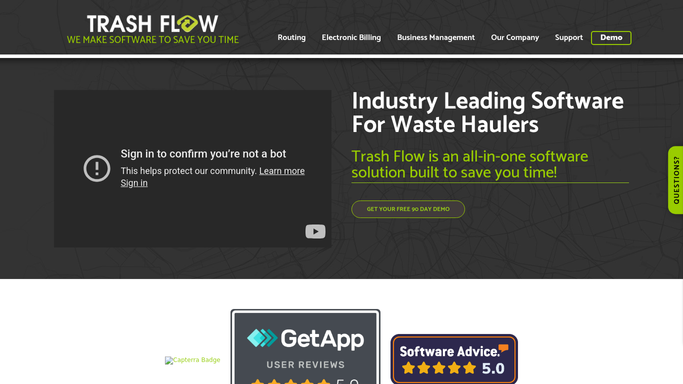
Trash Flow - read new account service details
trashflow.com

WebRun opens Trash Flow to read new account service details. - Open Trash Flow and navigate to the newly created account
- Read the customer name, service address, service type, pickup schedule, and start date
- Note any special instructions such as container size, access codes, or billing preferences
Done when The new account's full service details are captured from Trash Flow.
-
2
QuickBooks - create the billing record
- Open QuickBooks and check whether the customer already exists
- Create a new customer record with the name, billing address, and service type
- Set up the recurring invoice template for the account based on the service schedule and rate from Trash Flow
Done when The new account has a customer record and recurring invoice template in QuickBooks.
-
3
Gmail - draft welcome email with service details
gmail.com How to Automate Gmail
WebRun opens Gmail to draft welcome email with service details. - Draft a welcome email for the new customer including the service start date, pickup schedule, and any special instructions
- Include contact information for questions and a note about billing
- Leave the draft unsent in Gmail Drafts for your team to review and send when ready
Done when A ready-to-send welcome email draft exists in Gmail for the new customer.
-
4
Slack - alert route manager to add the stop
slack.com How to Automate Slack
WebRun opens Slack to alert route manager to add the stop. - Post a new account alert to the route management channel in Slack
- Include the customer name, service address, container type, pickup schedule, and start date
- Ask the route manager to confirm the stop has been added to the appropriate route
Done when The route manager has all the information needed to add the new stop in Slack.


How do I automatically onboard new waste service accounts?
When a new account is created in Trash Flow, WebRun reads the service details, drafts a welcome email in Gmail for your team to review, creates the billing record in QuickBooks, and alerts the route manager in Slack to add the stop. Every new account is set up consistently without anyone doing it manually.
- Every new account gets a welcome email draft and billing setup before the day starts
- Route manager alerted immediately so the new stop is never missed
- QuickBooks billing record created consistently for every new account
Built for waste hauling companies · recycling service providers · residential garbage collection · commercial waste contractors
How is each run configured?
Secure by default
Connect once, stays signed in
WebRun signs in once and keeps each session in a persistent environment, so every run picks up right where it left off.
Every action is checked against this policy before it runs.
Questions, answered
Will it send the welcome email to the new customer automatically?
No. The welcome email is drafted in Gmail and left for your team to review and send. Nothing reaches the customer until you approve it.
What if the customer already has a record in QuickBooks?
WebRun checks for an existing customer record before creating a new one. If a match is found, it updates the existing record rather than creating a duplicate.
Can it handle both residential and commercial new accounts?
Yes. It reads the service type from Trash Flow, so residential, commercial, and roll-off accounts all go through the same onboarding flow with the right details.
Related templates
Put this on autopilot.
Turn it on in minutes - or have our team set it up for you.