Keep preferred vendors in sync before every event
Every Monday, WebRun opens Event Temple to find events scheduled in the next 14 days, reads the vendor assignments for each, compiles a coordination summary per vendor category, logs it to a Google Sheets vendor tracker, and posts the weekly digest to your internal Slack channel so the operations team can brief each preferred vendor.
- No credit card
- Under $0.01 per run
- Cancel anytime
What does WebRun do on every run?
The exact actions WebRun takes, in order - in plain language, so you can adjust anything.
-
WebRun signs in and gets to work
Opens
app.eventtemple.comin a real browser with your saved login - no setup, no API keys. -
1
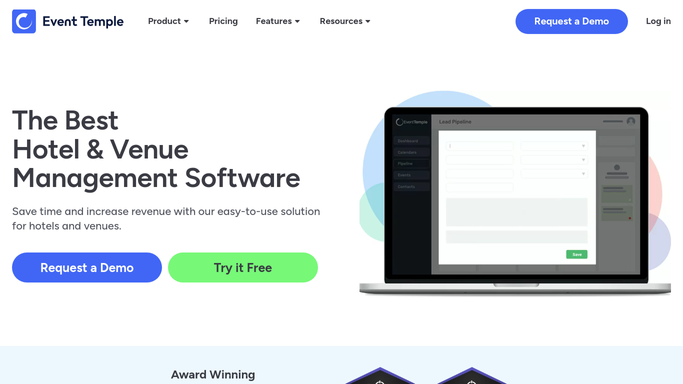
Event Temple - read upcoming events and vendor assignments
eventtemple.com

WebRun opens Event Temple to read upcoming events and vendor assignments. - Open Event Temple and filter events to those scheduled in the next 14 days
- Read the assigned vendors for each event: florist, photographer, DJ, caterer, and other preferred partners
- Note the event date, time, guest count, room, and any special setup or access requirements for each
Done when All upcoming events with their vendor assignments and key details are captured.
-
2
Google Sheets - log vendor coordination details
google.com How to Automate Google Sheets
WebRun opens Google Sheets to log vendor coordination details. - Open the preferred vendor coordination tracker in Google Sheets
- Add or update rows for each upcoming event and its assigned vendors
- Log the event date, vendor name, event type, guest count, and any special notes
- Mark the digest as prepared with this week's timestamp
Done when The vendor tracker in Google Sheets is updated with all upcoming events and their vendor details.
-
3
Slack - post weekly vendor digest to operations team
slack.com How to Automate Slack
WebRun opens Slack to post weekly vendor digest to operations team. - Post the weekly vendor coordination digest to the operations channel
- Group the summary by event date and list the assigned vendors and their key requirements
- Flag any events where a vendor has not yet been confirmed
- Link to the Google Sheets tracker for the full detail
Done when The operations team has this week's vendor coordination digest in Slack.


How do I automatically coordinate preferred vendors for upcoming events?
Every Monday WebRun reads upcoming events from Event Temple, compiles a coordination summary for each preferred vendor category, logs the details to a Google Sheets tracker, and posts a structured digest to your operations Slack channel. Your team gets a clear picture of every event and its vendor assignments for the coming two weeks.
- Operations team starts every week with a full vendor coordination digest
- Events with missing vendor assignments are flagged before it is too late to fill them
- A Google Sheets tracker builds a running record of vendor assignments and event history
Built for venue operations managers · event coordinators · banquet directors · wedding venue teams
How is each run configured?
Secure by default
Connect once, stays signed in
WebRun signs in once and keeps each session in a persistent environment, so every run picks up right where it left off.
Every action is checked against this policy before it runs.
Questions, answered
Does it contact the vendors directly?
No. WebRun compiles the coordination digest for your internal team and posts it to Slack. Your operations team or coordinator uses the digest to brief each vendor directly.
What if a vendor assignment changes after the digest is sent?
WebRun runs every Monday, so any vendor changes made in Event Temple during the week will be reflected in the following Monday digest. For urgent mid-week changes, your team can update the Google Sheets tracker manually.
Can it flag events where a vendor has not been assigned yet?
Yes. If an event in the next 14 days has a vendor category with no assignment in Event Temple, the digest will flag it as unconfirmed so your team can fill the gap before event day.
Related templates
Put this on autopilot.
Turn it on in minutes - or have our team set it up for you.