Confirm final headcount and details with every client
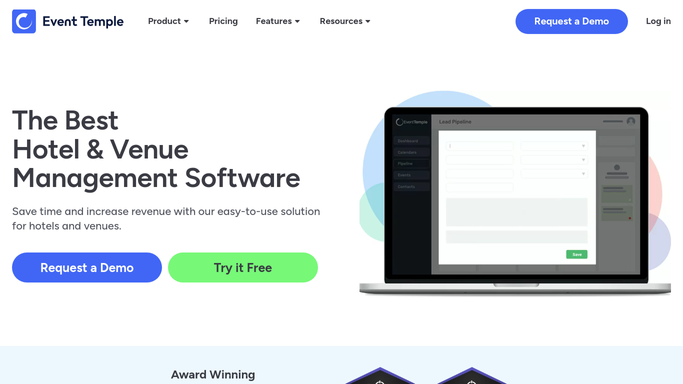
Every morning, WebRun opens Event Temple to find events happening in the next 14 days that still need final headcount and detail confirmation, drafts a personalized confirmation request for each client covering headcount, menu selections, and room setup, and queues the emails in Gmail for coordinator review.
- No credit card
- Under $0.01 per run
- Cancel anytime
What does WebRun do on every run?
The exact actions WebRun takes, in order - in plain language, so you can adjust anything.
-
WebRun signs in and gets to work
Opens
app.eventtemple.comin a real browser with your saved login - no setup, no API keys. -
1
Event Temple - find events needing final confirmation
eventtemple.com

WebRun opens Event Temple to find events needing final confirmation. - Open Event Temple and filter bookings to events in the next 14 days
- Identify bookings where final headcount or menu details have not been confirmed
- Note the event date, current guest estimate, food and beverage selections, and any open items
Done when All upcoming events missing final confirmed details are listed with their open items.
-
2
Gmail - draft final details confirmation emails
gmail.com How to Automate Gmail
WebRun opens Gmail to draft final details confirmation emails. - Draft a final details email for each client requesting confirmed headcount
- Include specific questions about menu choices, dietary requirements, and room setup preferences
- Mention the deadline by which you need their response to brief the team
- Save each as a Gmail draft for coordinator review - do not send until approved
Done when A personalized final-details confirmation draft is ready in Gmail for each pending event.
-
3
Slack - alert coordinators of pending confirmations
slack.com How to Automate Slack
WebRun opens Slack to alert coordinators of pending confirmations. - Post a morning summary to the coordinator channel listing events awaiting final confirmation
- Sort by event date so the most urgent are at the top
- Flag any event less than 7 days out that still has no confirmed headcount
Done when Coordinators have a prioritized list of events needing final confirmation in Slack.


How do I automatically collect final headcount and details from event clients?
WebRun opens Event Temple every morning and finds bookings in the next 14 days that still need a final headcount or menu confirmation. It drafts a personalized email for each client in Gmail and posts a Slack alert for coordinators sorted by event date. Every draft waits for review before going to the client.
- Every event within 14 days has a confirmation draft ready each morning
- No event reaches the kitchen without a confirmed headcount
- Coordinators see a priority-sorted list of pending confirmations in Slack daily
Built for event coordinators · banquet managers · wedding venue teams · catering directors
How is each run configured?
Secure by default
Connect once, stays signed in
WebRun signs in once and keeps each session in a persistent environment, so every run picks up right where it left off.
Every action is checked against this policy before it runs.
Questions, answered
Will it send the confirmation request to the client automatically?
No. WebRun drafts the confirmation email and saves it in Gmail for your coordinator to review and personalize if needed. Nothing is sent until approved.
What open items does it ask the client to confirm?
By default it asks for final headcount, dietary requirements, menu choices, and room setup preferences. You can customize the list of questions to match your venue's specific intake requirements.
What if the client already sent their final details by phone or email?
If the booking is updated in Event Temple to reflect confirmed details, WebRun skips it on the next run. Keep your Event Temple records current and the automation will stay in sync.
Related templates
Put this on autopilot.
Turn it on in minutes - or have our team set it up for you.