Fill open tour seats from your waitlist automatically
When a cancellation opens a seat in Checkfront, WebRun checks the waitlist, identifies the next eligible guest, drafts a seat-available offer with a time-limited booking link, logs the outreach to a Google Sheet, and queues the draft in Gmail for your review before it is sent.
- No credit card
- Under $0.01 per run
- Cancel anytime
What does WebRun do on every run?
The exact actions WebRun takes, in order - in plain language, so you can adjust anything.
-
WebRun signs in and gets to work
Opens
app.checkfront.comin a real browser with your saved login - no setup, no API keys. -
1
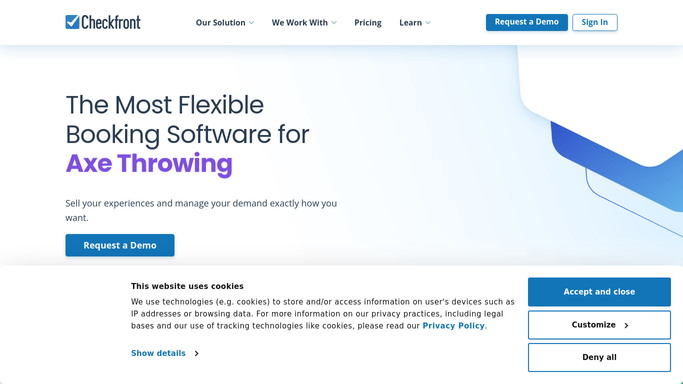
Checkfront - detect open seats and check waitlist
checkfront.com

WebRun opens Checkfront to detect open seats and check waitlist. - Monitor bookings in Checkfront for any cancellation that opens a seat on a near-term tour
- Check the waitlist for that tour and identify the next guest in queue
- Note the guest name, email, party size, and how long the seat has been open
Done when The next eligible waitlisted guest is identified with their contact and booking details.
-
2
Google Sheets - log seat-fill outreach
google.com How to Automate Google Sheets
WebRun opens Google Sheets to log seat-fill outreach. - Open the waitlist-fill tracking sheet
- Log the tour name, open seat count, waitlisted guest contacted, and timestamp
- Mark outreach status as Pending
Done when The seat-fill outreach is logged with Pending status.
-
3
Gmail - draft seat-available offer
gmail.com How to Automate Gmail
WebRun opens Gmail to draft seat-available offer. - Draft an email to the waitlisted guest letting them know a seat has opened
- Include the tour date, time, and a direct Checkfront booking link
- Set a friendly urgency note that the seat is first-come and available for 24 hours
- Leave the draft unsent for operator review before it is sent
Done when A seat-offer draft is ready in Gmail, personalised for the next waitlisted guest.


How do I automatically offer open tour seats to guests on my waitlist?
WebRun monitors Checkfront for cancellations that open seats on upcoming tours, finds the next eligible waitlisted guest, and drafts a personalised seat-available offer with a booking link. It logs every outreach attempt to Google Sheets and holds each draft in Gmail for operator approval before sending.
- Open seats get a waitlist offer within minutes of a cancellation
- Tours run at higher capacity without manual phone or email chasing
- All seat-fill outreach tracked in one sheet for accountability
Built for tour operators · activity booking managers · small group tour companies · outdoor adventure businesses
How is each run configured?
Secure by default
Connect once, stays signed in
WebRun signs in once and keeps each session in a persistent environment, so every run picks up right where it left off.
Every action is checked against this policy before it runs.
Questions, answered
Will it contact waitlisted guests without my approval?
No. The offer email is drafted and held in Gmail for your review. You decide when to send it, so no guest is contacted before you confirm the seat is truly available.
What if the waitlisted guest's party is larger than the open seat count?
WebRun notes both the open seat count and the guest's party size in the draft so you can decide whether to offer the partial availability or skip to the next guest on the list.
Can it work across multiple tours with separate waitlists?
Yes. It checks each tour's waitlist independently, so an opening on one tour only triggers an offer to guests waitlisted for that specific tour.
Related templates
Put this on autopilot.
Turn it on in minutes - or have our team set it up for you.