Make sure every adopted pet's microchip is registered to their new family
Every morning, WebRun checks Shelterluv for recent adoptions where the microchip has not yet been transferred to the new owner, drafts a friendly registration reminder email for each adopter, queues the drafts in Gmail for staff review, and posts a summary to Slack so coordinators know which cases need follow-up.
- No credit card
- Under $0.01 per run
- Cancel anytime
What does WebRun do on every run?
The exact actions WebRun takes, in order - in plain language, so you can adjust anything.
-
WebRun signs in and gets to work
Opens
www.shelterluv.comin a real browser with your saved login - no setup, no API keys. -
1
Shelterluv - find adoptions with unregistered microchips
shelterluv.com How to Automate Shelterluv

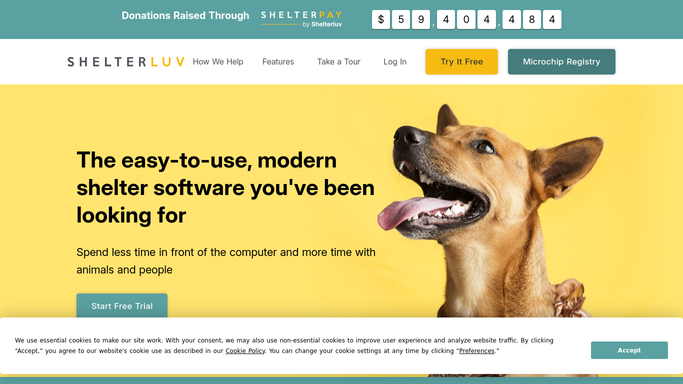
WebRun opens Shelterluv to find adoptions with unregistered microchips. - Open Shelterluv and filter recent adoptions where the microchip status is not updated to the new owner
- Read each adopter's name, email address, the animal's name, and the microchip number
- Identify adoptions that are 7 or more days old with an unregistered chip as a priority
Done when All recent adoptions with unregistered or un-transferred microchips are listed.
-
2
Gmail - draft microchip registration reminder
gmail.com How to Automate Gmail
WebRun opens Gmail to draft microchip registration reminder. - Draft a friendly reminder email for each adopter with the pet name and microchip number
- Include step-by-step instructions for completing the registration with the relevant microchip registry
- Leave each draft unsent in Gmail for a staff member to review and approve before sending
Done when A draft reminder email is queued in Gmail for each adopter with an unregistered chip.
-
3
Slack - alert staff to pending registrations
slack.com How to Automate Slack
WebRun opens Slack to alert staff to pending registrations. - Post a daily summary to the adoptions Slack channel listing pending microchip registrations
- Flag any adoptions over 14 days old with still-unregistered chips for priority follow-up
- Remind staff to review and send the Gmail drafts
Done when Staff have the pending registration list and draft review reminder in Slack.


How do I automatically remind adopters to register their pet's microchip?
WebRun checks Shelterluv each morning for recent adoptions where the microchip has not been transferred to the new owner. It drafts a friendly registration reminder email for each adopter in Gmail, including the chip number and step-by-step instructions, then alerts staff in Slack. Staff review and send the drafts, so every adopted pet's microchip is registered before the window closes.
- Every adopted pet's microchip registration is followed up on schedule
- Adopters receive clear, step-by-step instructions in a personalised email
- Priority overdue cases are flagged in Slack before the registration window lapses
Built for animal shelters · rescue organisations · adoption coordinators · humane societies
How is each run configured?
Secure by default
Connect once, stays signed in
WebRun signs in once and keeps each session in a persistent environment, so every run picks up right where it left off.
Every action is checked against this policy before it runs.
Questions, answered
Will it send the reminder email to adopters without staff approval?
No. Every reminder is drafted and left unsent in Gmail. A staff member reviews and sends it, so no message reaches an adopter without human approval.
How does it know whether a microchip has been registered to the new owner?
It reads the microchip transfer status in Shelterluv. If the chip is still listed under the shelter rather than the adopter, it flags the adoption for a reminder.
Does it include instructions for registering the chip in the email?
Yes. Each draft includes a brief, clear set of steps for how the new owner can complete the registration with the relevant microchip registry, along with the chip number for their records.
Related templates
Put this on autopilot.
Turn it on in minutes - or have our team set it up for you.