Kick off new client sales tax onboarding without the back-and-forth
When a new client is added in QuickBooks, WebRun opens Avalara to start their compliance profile, maps their nexus states from their business details, compiles a onboarding checklist, drafts a welcome email with required steps for your review, and pings Slack so the account manager knows the file is ready.
- No credit card
- Under $0.01 per run
- Cancel anytime
What does WebRun do on every run?
The exact actions WebRun takes, in order - in plain language, so you can adjust anything.
-
WebRun signs in and gets to work
Opens
app.avalara.comin a real browser with your saved login - no setup, no API keys. -
1
QuickBooks - detect new client record
- Detect the new client record added to QuickBooks
- Capture the business name, address, entity type, and industry
- Note any state-level sales data already recorded
Done when New client details are captured and ready for the Avalara profile.
-
2
Avalara - set up compliance profile and nexus map
avalara.com How to Automate Avalara

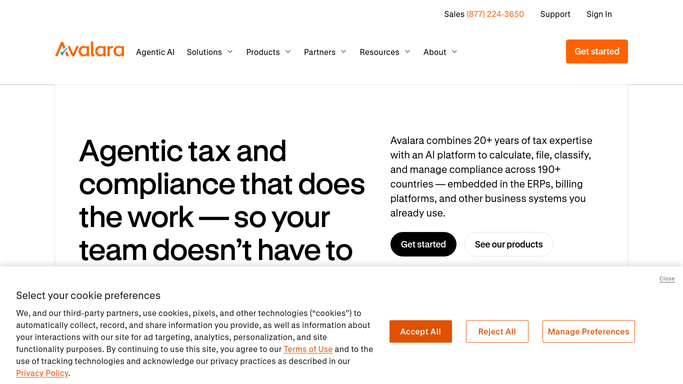
WebRun opens Avalara to set up compliance profile and nexus map. - Open Avalara and create a new company profile for the client
- Enter the business address and entity type to seed the nexus analysis
- Review the suggested nexus states based on the client's business footprint
- Add initial nexus registrations and note any states requiring immediate action
Done when The client's Avalara profile is created with an initial nexus map.
-
3
Gmail - draft welcome checklist email for review
gmail.com How to Automate Gmail
WebRun opens Gmail to draft welcome checklist email for review. - Draft a welcome email listing the onboarding steps: nexus confirmation, exemption certificate uploads, and return-filing authority
- Attach the nexus summary from Avalara as a reference
- Leave the email as a draft in Gmail for the account manager to review and send
Done when Welcome email is drafted and queued for human review. Nothing is sent automatically.
-
4
Slack - notify account manager to review and send
slack.com How to Automate Slack
WebRun opens Slack to notify account manager to review and send. - Post a Slack notification to the account manager with the client name and a link to the Gmail draft
- Include the nexus state count and any immediate-action flags
Done when Account manager is alerted and has everything needed to review and send the welcome package.


How do I automate new client onboarding for sales tax compliance?
WebRun detects a new client in QuickBooks, builds their compliance profile in Avalara with an initial nexus map, and drafts a welcome onboarding email in Gmail covering required steps. The account manager gets a Slack ping with a link to the draft and the nexus summary, then reviews and sends when ready.
- New client profiles are set up in Avalara within minutes of being added to QuickBooks
- Account managers get a drafted welcome email ready to review, not a blank page
- No welcome email reaches the client without a human review step
Built for accounting firms · tax consulting practices · CFO advisory services · e-commerce finance teams
How is each run configured?
Secure by default
Connect once, stays signed in
WebRun signs in once and keeps each session in a persistent environment, so every run picks up right where it left off.
Every action is checked against this policy before it runs.
Questions, answered
Will it send the welcome email to the client automatically?
No. The welcome email is always drafted and left in Gmail for the account manager to review and send. Nothing goes to the client without human approval.
How does it know which states the new client has nexus in?
It uses the client's business address, entity type, and any state sales data in QuickBooks to seed an initial nexus analysis inside Avalara, which flags the most likely states for review.
What if the client already has an Avalara account?
The run checks for an existing Avalara company profile by business name and address before creating a new one, and skips creation if a match is found, so no duplicates are made.
Related templates
Put this on autopilot.
Turn it on in minutes - or have our team set it up for you.