Ask customers to review you after every service visit
Every evening, WebRun opens CDK Global to find jobs closed today, drafts a friendly review-request email for each customer linking directly to your Google Business Profile, and saves them as Gmail drafts for your service manager to approve and send.
- No credit card
- Under $0.01 per run
- Cancel anytime
What does WebRun do on every run?
The exact actions WebRun takes, in order - in plain language, so you can adjust anything.
-
WebRun signs in and gets to work
Opens
www.cdkglobal.comin a real browser with your saved login - no setup, no API keys. -
1
CDK Global - find today's completed service jobs
cdkglobal.com How to Automate CDK Global

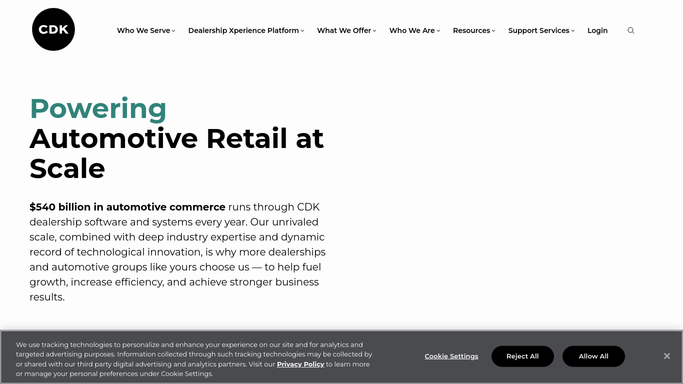
WebRun opens CDK Global to find today's completed service jobs. - Open CDK Global and filter the repair-order list to jobs closed today with a 'Complete' status
- Capture the customer's name, email, vehicle, and the services performed
- Skip any customer who received a review request in the last 90 days
Done when All eligible completed-job customers are captured with their contact details.
-
2
Google Business Profile - fetch your review link
business.google.com How to Automate Google Business Profile
WebRun opens Google Business Profile to fetch your review link. - Open Google Business Profile and copy your direct review shortlink
- Confirm the link is active and resolves to the review submission page
Done when A valid review shortlink is ready to embed in each draft.
-
3
Gmail - draft personalised review-request email
gmail.com How to Automate Gmail
WebRun opens Gmail to draft personalised review-request email. - Create a personalised draft email for each customer mentioning their name and the vehicle serviced
- Embed the Google Business review link prominently in the email body
- Leave every email as a draft - do not send
Done when A personalised review-request draft is ready in Gmail for each eligible customer today.


How can I automatically ask customers for a review after every service visit?
Every evening, WebRun opens CDK Global to find jobs closed that day, drafts a friendly review-request email for each customer linking directly to your Google Business Profile, and saves them as Gmail drafts for your service manager to approve and send - so review requests go out consistently after every completed repair.
- Every completed service job prompts a personalised review request the same evening
- Review requests link directly to your Google Business Profile for frictionless customer action
- Service manager approves each batch in Gmail so no inappropriate timing or message goes out
Built for dealership service managers · automotive group operators · independent garages · service BDC teams
How is each run configured?
Secure by default
Connect once, stays signed in
WebRun signs in once and keeps each session in a persistent environment, so every run picks up right where it left off.
Every action is checked against this policy before it runs.
Questions, answered
Will it email customers without my approval?
No - every message is saved as a Gmail draft. Your service manager reviews and sends them, so nothing reaches a customer without a human sign-off.
What stops the same customer getting a review request every week?
WebRun checks whether the customer received a request in the last 90 days and skips them if so - you can adjust that window.
Can we use a different review platform instead of Google?
Yes - swap in the review link for Trustpilot, Cars.com, or any other platform and WebRun will use that link instead.
Related templates
Put this on autopilot.
Turn it on in minutes - or have our team set it up for you.