Schedule new evaluation requests before families look elsewhere
When a new evaluation referral is received, WebRun opens Jane to log the referral details, drafts a warm scheduling outreach email to the family offering available evaluation slots for staff to review and send, and posts the new referral to Slack so the front-desk team can confirm the outreach and complete the booking within one business day.
- No credit card
- Under $0.01 per run
- Cancel anytime
What does WebRun do on every run?
The exact actions WebRun takes, in order - in plain language, so you can adjust anything.
-
WebRun signs in and gets to work
Opens
jane.appin a real browser with your saved login - no setup, no API keys. -
1
Jane - log new evaluation referral and check available slots
jane.app How to Automate Jane

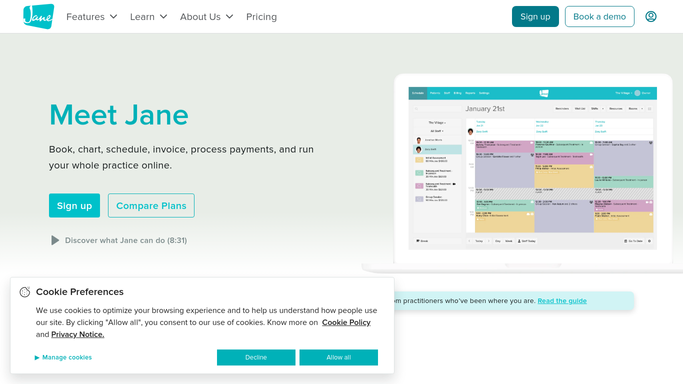
WebRun opens Jane to log new evaluation referral and check available slots. - Open Jane and check the new patient queue or referral inbox for newly received evaluation requests
- Log the referral with child name, age, therapy type requested, referring physician, and family contact details
- Check the schedule for open evaluation slots within the next 14 days
- Note the available appointment times and therapists for inclusion in the outreach draft
Done when The new evaluation referral is logged in Jane with available appointment slots identified.
-
2
Gmail - draft scheduling outreach to family for staff review
gmail.com How to Automate Gmail
WebRun opens Gmail to draft scheduling outreach to family for staff review. - Draft a warm scheduling outreach email to the family
- Include the child name, a brief introduction to the practice, and two or three available evaluation appointment times
- Invite the family to confirm a slot or call to discuss
- Leave the draft unsent for front-desk staff to review and send
- Do not send any email to a family without staff approval
Done when A scheduling outreach draft is staged in Gmail for the new referral family, ready for staff review.
-
3
Slack - alert front-desk team of new referral and draft status
slack.com How to Automate Slack
WebRun opens Slack to alert front-desk team of new referral and draft status. - Post a new referral alert to the front-desk Slack channel with the child name, therapy type, and referring physician
- Confirm that a Gmail draft is ready for review and sending
- Flag the referral with a same-day response target reminder
Done when Front-desk team is alerted in Slack about the new referral and knows the Gmail draft is ready to review.


How do I automatically follow up on new pediatric therapy evaluation referrals?
When a new evaluation referral arrives, WebRun logs it in Jane, checks available slots, drafts a warm scheduling outreach to the family for front-desk review before sending, and posts a same-day-response alert to Slack so no new referral waits more than one business day for a scheduling offer.
- New evaluation referrals are reached within one business day rather than sitting in a queue
- Front-desk staff review a ready-to-send draft with available slots rather than composing outreach manually
- Referrals that arrive after hours are staged and ready when the team starts the next morning
Built for pediatric occupational therapy clinics · pediatric speech therapy practices · pediatric physical therapy offices · multi-discipline pediatric therapy centers
How is each run configured?
Secure by default
Connect once, stays signed in
WebRun signs in once and keeps each session in a persistent environment, so every run picks up right where it left off.
Every action is checked against this policy before it runs.
Questions, answered
Will it contact the referred family automatically?
No. WebRun drafts the scheduling outreach and leaves it unsent in Gmail for front-desk staff to review and send. No family is contacted without a human check, ensuring the message is accurate and appropriate before it goes out.
How does it know which evaluation slots are available to offer?
WebRun reads the live schedule in Jane and identifies open evaluation appointment slots within the next 14 days, using the requested therapy type to match available therapists.
What if the referral comes in outside of business hours?
WebRun logs the referral in Jane and stages the Gmail draft so it is ready and waiting when staff arrive. The Slack alert is also posted so the front-desk team sees the new referral as soon as they start their day.
Related templates
Put this on autopilot.
Turn it on in minutes - or have our team set it up for you.