Get every online catalog order to your team instantly
Every few minutes, WebRun checks Nextar's online catalog for new orders, logs the customer, items, and total to a running Google Sheet, and alerts your team on Telegram the moment an order needs packing so nothing sits waiting unnoticed.
- No credit card
- Under $0.01 per run
- Cancel anytime
What does WebRun do on every run?
The exact actions WebRun takes, in order - in plain language, so you can adjust anything.
-
WebRun signs in and gets to work
Opens
app.nextar.comin a real browser with your saved login - no setup, no API keys. -
1
Nextar - find new online catalog orders
nextar.com How to Automate Nextar

WebRun opens Nextar to find new online catalog orders. - Open Nextar and check the online catalog for orders placed since the last run
- Capture the customer, items, quantities, and total for each new order
- Note the requested delivery or pickup method
Done when Every new online catalog order is captured with its items and total.
-
2
Google Sheets - log the order for fulfillment
google.com How to Automate Google Sheets
WebRun opens Google Sheets to log the order for fulfillment. - Open the fulfillment log
- Add each new order with its status set to pending
- Mark prior orders as fulfilled once they're packed
Done when The fulfillment log shows every order and its current status.
-
3
Telegram - alert your team to pack it
telegram.org How to Automate Telegram
WebRun opens Telegram to alert your team to pack it. - Post an alert to your team's Telegram chat for each new order
- Include the items and the delivery or pickup method
Done when Your team has an alert in Telegram for every order waiting to be packed.
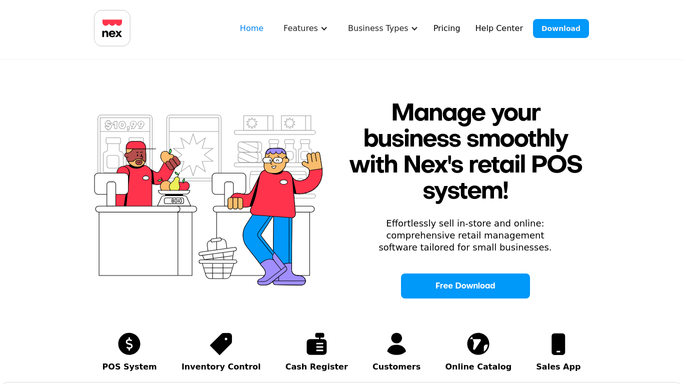


How do I sync new Nextar online catalog orders to my team?
Every few minutes, WebRun checks Nextar's online catalog for new orders and logs the customer, items, and total to a running Google Sheet. It alerts your team on Telegram the moment an order needs packing, so nothing sits waiting unfulfilled between checks and every online sale gets picked up fast.
- New online orders reach your team within 15 minutes
- Every order is logged with its fulfillment status automatically
- Fulfilled orders stop alerting so nothing gets packed twice
Built for small retail shops · Nextar POS users · online catalog sellers · fulfillment staff
How is each run configured?
Secure by default
Connect once, stays signed in
WebRun signs in once and keeps each session in a persistent environment, so every run picks up right where it left off.
Every action is checked against this policy before it runs.
Questions, answered
Does it confirm the order to the customer?
No. It only alerts your own team so someone can pack and fulfill the order. Any message to the customer is still sent the way you already do it.
How fast does it catch a new order?
It checks Nextar's online catalog every few minutes, so your team typically sees the alert within 15 minutes of the order landing.
What if an order is packed before the next check?
It reads the live order status in Nextar each run, so anything already fulfilled is marked done and won't alert again.
Related templates
Put this on autopilot.
Turn it on in minutes - or have our team set it up for you.