Follow up on every rider no-show before it becomes a pattern
Each afternoon, WebRun opens RouteGenie, identifies trips marked as no-show from the day, drafts a follow-up message for each affected rider via Twilio, queues every draft for dispatcher review in Slack, and logs the no-show for reporting.
- No credit card
- Under $0.01 per run
- Cancel anytime
What does WebRun do on every run?
The exact actions WebRun takes, in order - in plain language, so you can adjust anything.
-
WebRun signs in and gets to work
Opens
app.routegenie.comin a real browser with your saved login - no setup, no API keys. -
1
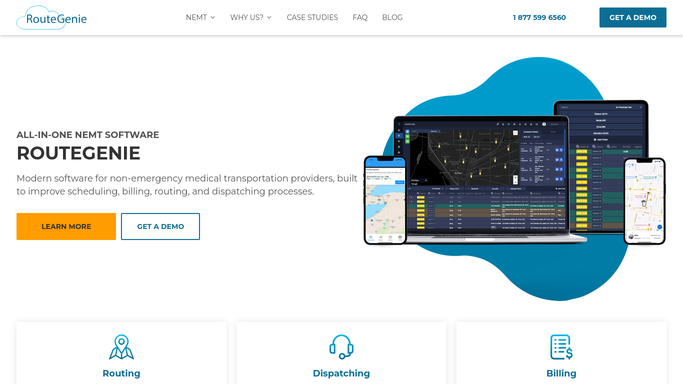
RouteGenie - identify today's no-show trips
routegenie.com How to Automate RouteGenie

WebRun opens RouteGenie to identify today's no-show trips. - Open RouteGenie and filter today's trips to no-show status
- Capture rider name, phone number, scheduled pickup time, and destination for each no-show
- Note if the rider is a first-time no-show or has a prior no-show history
Done when All no-show trips from today are listed with rider contact details and no-show history.
-
2
Twilio - draft follow-up message per rider
twilio.com How to Automate Twilio
WebRun opens Twilio to draft follow-up message per rider. - Draft a follow-up message for each no-show rider asking if they need to reschedule and providing the dispatcher contact number
- Do not include protected health information in the message text
- Do not send. Hold every draft for dispatcher review
Done when One held follow-up draft exists for every no-show rider from today, unsent pending review.
-
3
Slack - queue drafts and post no-show log
slack.com How to Automate Slack
WebRun opens Slack to queue drafts and post no-show log. - Post today's no-show summary to the dispatch Slack channel: total no-shows, first-time vs. repeat, and draft count ready for review
- List each no-show rider with their scheduled time and draft preview
- Prompt the dispatcher to approve and release follow-up messages
Done when Dispatcher has a Slack summary of today's no-shows and can release follow-up drafts for review.


How do I automatically follow up with riders who no-showed their NEMT trip?
WebRun reads RouteGenie each afternoon to identify the day's no-show trips, then drafts a follow-up message for each rider via Twilio without including protected health information. Every draft is held in Slack for dispatcher review, and repeat no-shows are flagged separately so the team can follow up appropriately before the pattern escalates.
- Every no-show rider is followed up with the same day, reducing future no-shows
- Dispatchers see first-time vs. repeat no-shows in one Slack view
- No rider is contacted without explicit dispatcher approval
Built for NEMT dispatchers · paratransit coordinators · medical transport operations teams
How is each run configured?
Secure by default
Connect once, stays signed in
WebRun signs in once and keeps each session in a persistent environment, so every run picks up right where it left off.
Every action is checked against this policy before it runs.
Questions, answered
Will it contact the rider without dispatcher approval?
No. Every follow-up message is drafted and held for review. A dispatcher approves the batch in Slack before any message is sent to a rider.
Does the follow-up message include trip or health details?
No. WebRun drafts a generic follow-up asking if the rider needs to reschedule, with the dispatcher callback number. No protected health information is included in the message text.
Can it flag repeat no-shows for special handling?
Yes. WebRun checks the rider's no-show history in RouteGenie and flags repeat no-shows in the Slack summary so dispatchers can treat them differently from first-time cases.
Related templates
Put this on autopilot.
Turn it on in minutes - or have our team set it up for you.