Send pre and post-care instructions to every patient automatically
Every morning, WebRun opens Aesthetic Record, finds upcoming appointments needing pre-care instructions and completed appointments needing post-care instructions, drafts treatment-specific messages for each patient, and posts the approval queue to Slack before anything is sent.
- No credit card
- Under $0.01 per run
- Cancel anytime
What does WebRun do on every run?
The exact actions WebRun takes, in order - in plain language, so you can adjust anything.
-
WebRun signs in and gets to work
Opens
app.aestheticrecord.comin a real browser with your saved login - no setup, no API keys. -
1
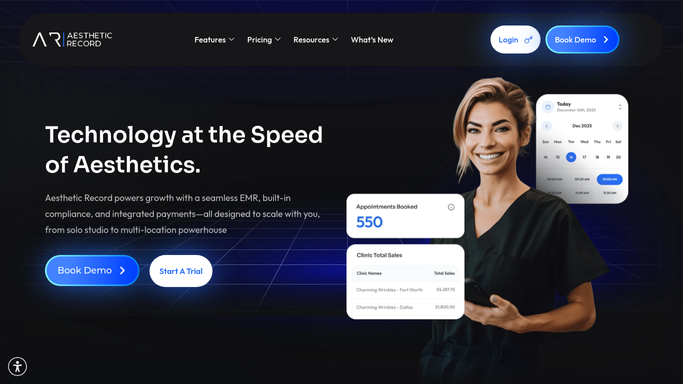
Aesthetic Record - find appointments needing care instructions
aestheticrecord.com How to Automate Aesthetic Record

WebRun opens Aesthetic Record to find appointments needing care instructions. - Open Aesthetic Record and find appointments scheduled in the next 48 hours that require pre-care instructions
- Also find appointments completed yesterday that require post-care follow-up
- Capture each patient's name, treatment type, provider, and appointment time
- Skip any patients who already received the relevant care instructions
Done when Every patient needing pre-care or post-care instructions is listed with their treatment details.
-
2
Gmail - draft pre-care and post-care messages
gmail.com How to Automate Gmail
WebRun opens Gmail to draft pre-care and post-care messages. - Draft treatment-specific pre-care instructions for upcoming appointments, matching your clinic's approved protocol for each treatment type
- Draft treatment-specific post-care instructions for completed appointments, including any aftercare warnings and follow-up booking suggestions
- Save all drafts unsent for team review, flagging any treatments with unusual aftercare requirements
Done when Pre-care and post-care drafts are saved in Gmail, none sent yet.
-
3
Slack - post approval queue for team review
slack.com How to Automate Slack
WebRun opens Slack to post approval queue for team review. - Post the day's instruction queue to the clinical team channel, split into pre-care and post-care batches
- Note any patients with contraindications or special considerations flagged in their chart
- Confirm when the team has reviewed and approved the drafts
Done when Clinical team has the full instruction queue in Slack and can approve or adjust drafts.


How do I automatically send pre-care and post-care instructions to med spa patients?
WebRun checks Aesthetic Record every morning for upcoming and recently completed appointments, drafts treatment-specific pre-care and post-care instructions for each patient in Gmail, and posts the approval queue to Slack. Every draft waits for clinical team review before reaching any patient.
- Every patient gets treatment-specific instructions timed to their appointment without staff manually drafting each one
- Contraindications and special chart notes are flagged for clinical review before any message is approved
- Post-care messages include a rebooking prompt, keeping the appointment cycle moving
Built for med spas · aesthetic clinics · laser and injectables practices · cosmetic dermatology providers
How is each run configured?
Secure by default
Connect once, stays signed in
WebRun signs in once and keeps each session in a persistent environment, so every run picks up right where it left off.
Every action is checked against this policy before it runs.
Questions, answered
Will it send clinical instructions to patients without a clinician reviewing them first?
No. Every pre-care and post-care message is saved as a Gmail draft for your clinical team to review. Nothing is sent to a patient until a qualified team member approves the content.
How does it know which instructions to use for each treatment?
WebRun reads the treatment type from Aesthetic Record and matches it to the appropriate care protocol. Your team can customize the base instructions for each treatment type during setup.
What if a patient has a contraindication or special consideration in their chart?
WebRun flags any chart notes indicating contraindications or special considerations in the Slack summary, so your clinical team can review those cases personally before approving or adjusting the draft.
Related templates
Put this on autopilot.
Turn it on in minutes - or have our team set it up for you.