Get a weekly revenue and utilisation summary without touching a report
Every Monday morning, WebRun opens Jane, collects last week's appointment completions, revenue totals, and therapist utilisation rates, logs the figures to a Google Sheet for your records, and posts a clean weekly summary to Slack so you can start the week informed.
- No credit card
- Under $0.01 per run
- Cancel anytime
What does WebRun do on every run?
The exact actions WebRun takes, in order - in plain language, so you can adjust anything.
-
WebRun signs in and gets to work
Opens
jane.app/loginin a real browser with your saved login - no setup, no API keys. -
1
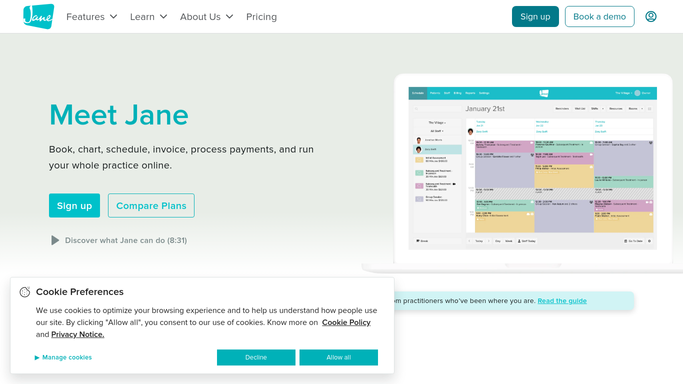
Jane - collect last week's revenue and appointment data
jane.app How to Automate Jane

WebRun opens Jane to collect last week's revenue and appointment data. - Open Jane and navigate to the reporting or appointments section
- Filter for last week's completed appointments
- Capture total completed appointments, total revenue, and a per-therapist breakdown of appointments and revenue
- Calculate utilisation rate for each therapist as a percentage of available slots filled
Done when Last week's revenue totals and therapist utilisation figures are collected.
-
2
Google Sheets - log weekly figures to the tracking sheet
google.com How to Automate Google Sheets
WebRun opens Google Sheets to log weekly figures to the tracking sheet. - Open the weekly revenue tracking Google Sheet
- Append a new row with the date range, total appointments, total revenue, and per-therapist figures
- Update any running totals or trend charts in the sheet
Done when Last week's figures are logged in the tracking sheet.
-
3
Slack - post the weekly revenue and utilisation summary
slack.com How to Automate Slack
WebRun opens Slack to post the weekly revenue and utilisation summary. - Post a clean weekly summary to the management Slack channel with total revenue, total appointments, and top-performing therapist
- Include a link to the Google Sheet for the full breakdown
- Flag any therapist whose utilisation was below 60% last week
Done when The weekly revenue and utilisation summary is live in Slack.


How do I get an automated weekly revenue and utilisation report for my massage clinic?
WebRun opens Jane every Monday morning, collects last week's completed appointments, revenue totals, and per-therapist utilisation rates, logs the figures to a Google Sheet for trend tracking, and posts a clean summary to Slack so clinic owners start the week with a clear financial picture without running a single report manually.
- Clinic owners get a weekly financial snapshot without opening a single report
- Under-utilised therapists are flagged every Monday so gaps can be addressed proactively
- Revenue trends are logged automatically to Google Sheets for historical analysis
Built for massage clinic owners · spa managers · wellness studio operators · multi-therapist clinic managers
How is each run configured?
Secure by default
Connect once, stays signed in
WebRun signs in once and keeps each session in a persistent environment, so every run picks up right where it left off.
Every action is checked against this policy before it runs.
Questions, answered
Does this send any information to clients?
No. This is a purely internal report. The weekly summary goes to your Slack channel and Google Sheet only. No client-facing messages are sent.
Can it track revenue for multiple therapists or locations?
Yes. It pulls a per-therapist breakdown from Jane and logs each separately in the Google Sheet, so you can compare performance across your whole team or multiple locations.
What is included in the utilisation rate?
Utilisation is calculated as the percentage of available appointment slots that were filled with completed appointments in Jane last week. You can adjust the definition of available hours to match your operating hours.
Related templates
Put this on autopilot.
Turn it on in minutes - or have our team set it up for you.