Draft translated invoices for international families
Once a month, WebRun opens Teachworks to find international families due to be billed, translates the invoice notes into each family's preferred language with DeepL, and drafts the itemized invoice in QuickBooks for staff to check and send.
- No credit card
- Under $0.01 per run
- Cancel anytime
What does WebRun do on every run?
The exact actions WebRun takes, in order - in plain language, so you can adjust anything.
-
WebRun signs in and gets to work
Opens
app.teachworks.comin a real browser with your saved login - no setup, no API keys. -
1
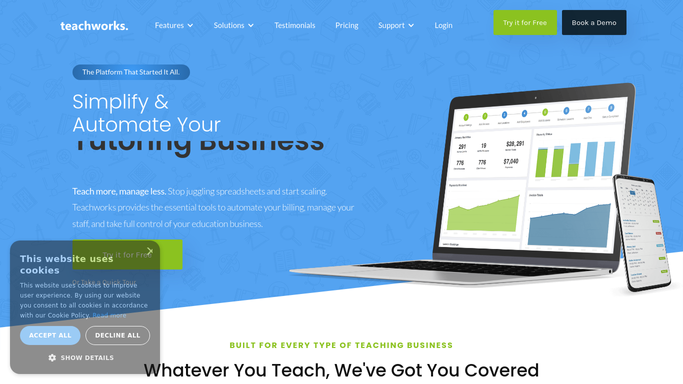
Teachworks - find families due to be billed
teachworks.com How to Automate Teachworks

WebRun opens Teachworks to find families due to be billed. - Open Teachworks and find every enrolled family due to be billed this month
- Capture each family's tuition, fees, and any preferred language noted on file
- List the course, hours, and billing period for each line item
Done when Every family due to be billed has their line items and preferred language captured.
-
2
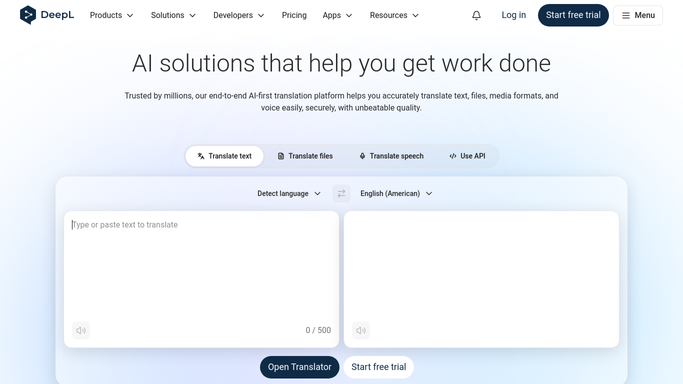
DeepL - translate the invoice notes
deepl.com
WebRun opens DeepL to translate the invoice notes. - Translate each invoice's line item descriptions and notes into the family's preferred language
- Keep amounts, dates, and course codes unchanged so nothing gets lost in translation
- Flag any line item where the translation is ambiguous for a bilingual staff member to check
Done when Every invoice's line items are translated into the family's preferred language.
-
3
QuickBooks - draft the itemized invoice
- Draft the itemized invoice in QuickBooks with the translated line items
- Attach the original English version alongside the translation for reference
- Leave the invoice as a draft for staff to review and send. Never auto-send a translated invoice
Done when A draft translated invoice exists in QuickBooks for every family due to be billed.
How do I send translated invoices to international language school families?
Once a month, WebRun finds every international family due to be billed in Teachworks, translates the invoice line items into their preferred language with DeepL, and drafts the itemized invoice in QuickBooks alongside the English original. Staff review the amounts and translation before sending, so every family gets a billing statement they can actually read.
- International families get invoices they can read in their own language
- Staff catch ambiguous translations before a bill ever goes out
- Billing runs stay on schedule without a bilingual staff member drafting each one by hand
Built for language schools · ESL academies · international student programs · language institutes with global families
How is each run configured?
Secure by default
Connect once, stays signed in
WebRun signs in once and keeps each session in a persistent environment, so every run picks up right where it left off.
Every action is checked against this policy before it runs.
Questions, answered
Will it send the invoice to the family automatically?
No. Every translated invoice is left as a draft in QuickBooks. A staff member checks the amounts and translation, then sends it, so no family receives an invoice unreviewed.
How accurate is the translation?
DeepL translates the line items and notes, and WebRun flags anything ambiguous for a bilingual staff member to double check before the invoice goes out, since amounts and dates are never altered by translation.
What if a family's preferred language is not on file?
WebRun drafts the invoice in English and notes the missing preference in the draft, so staff can ask the family or set a default before it is sent.
Related templates
Put this on autopilot.
Turn it on in minutes - or have our team set it up for you.