Catch vitals anomalies the moment they happen during infusion
During every active infusion, WebRun checks the CareTaker vitals monitor feed against the thresholds set in the patient's OptiMantra chart every few minutes, and the moment blood pressure, heart rate, or oxygen saturation crosses outside the safe range, it posts an immediate Slack alert naming the patient, the reading, and the room.
- No credit card
- Under $0.01 per run
- Cancel anytime
What does WebRun do on every run?
The exact actions WebRun takes, in order - in plain language, so you can adjust anything.
-
WebRun signs in and gets to work
Opens
app.optimantra.comin a real browser with your saved login - no setup, no API keys. -
1
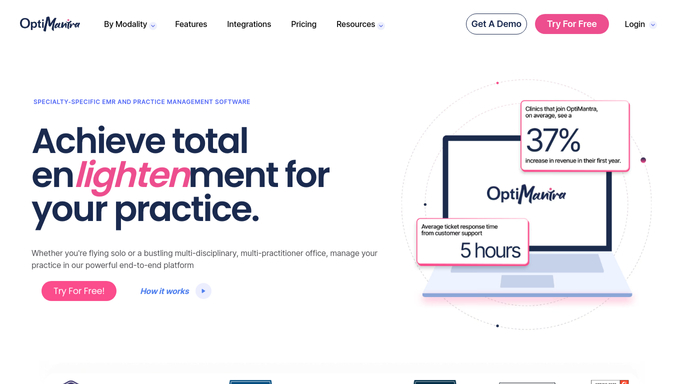
OptiMantra - read each patient's vitals thresholds
optimantra.com How to Automate OptiMantra

WebRun opens OptiMantra to read each patient's vitals thresholds. - Open the active infusion chart for each patient currently being monitored
- Read the blood pressure, heart rate, and oxygen saturation thresholds set for that patient
- Note the assigned clinician and treatment room for the session
Done when Every patient currently in session has their safe vitals range and assigned clinician on file.
-
2
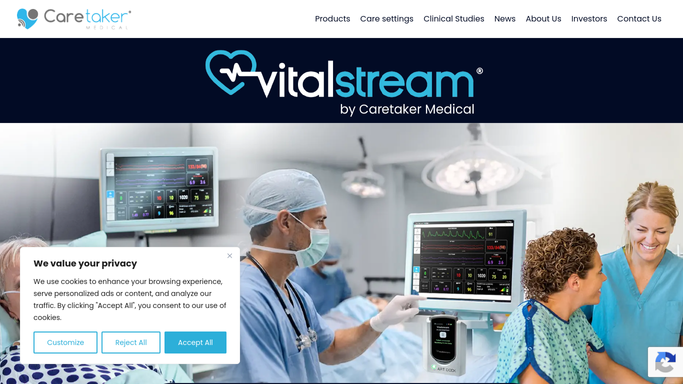
CareTaker Medical - check the live vitals feed
caretakermedical.net
WebRun opens CareTaker Medical to check the live vitals feed. - Check the live continuous vitals feed for each patient in session
- Compare the current reading against that patient's safe range every few minutes
- Flag any reading that crosses outside the range, and note whether it is trending back toward normal or continuing to move
Done when Every session's latest vitals reading has been checked against threshold.
-
3
Slack - alert the clinician in the room
slack.com How to Automate Slack
WebRun opens Slack to alert the clinician in the room. - The instant a reading crosses threshold, post an alert to the treatment room channel naming the patient, the room, and the exact reading
- Keep alerting at each check until the reading returns inside the safe range
- Never pause, adjust, or stop an infusion. Only alert the clinician in the room, who makes every clinical call
Done when The clinician in the room has an immediate alert for any vitals reading outside the safe range, repeated until it resolves.

How do I get an immediate alert when a patient's vitals go out of range during a ketamine infusion?
WebRun checks the CareTaker vitals feed against each patient's OptiMantra thresholds every few minutes during an active ketamine infusion, and the moment blood pressure, heart rate, or oxygen saturation crosses outside the safe range, it posts an immediate Slack alert naming the patient and room. It never touches the infusion, only alerts the clinician in charge.
- An out of range vitals reading is flagged within minutes, not discovered at the next manual check
- Every alert is matched to that patient's own safe range, not a generic cutoff
- The clinician in the room stays the only one making any clinical decision
Built for infusion nurses · ketamine clinic clinicians · clinic safety officers · ketamine clinic medical directors
How is each run configured?
Secure by default
Connect once, stays signed in
WebRun signs in once and keeps each session in a persistent environment, so every run picks up right where it left off.
Every action is checked against this policy before it runs.
Questions, answered
Does WebRun stop the infusion if vitals go out of range?
No. It never touches the infusion or any equipment. It only posts an immediate Slack alert to the clinician in the room, who makes every clinical decision themselves.
How fast is the alert after a reading crosses threshold?
Within a few minutes. WebRun checks the live CareTaker feed on a short cycle during every active session, so an out of range reading is flagged the same check it appears in.
What thresholds does it use for each patient?
The safe blood pressure, heart rate, and oxygen saturation range already set in that patient's OptiMantra chart, so alerts are matched to their individual baseline, not a generic cutoff.
Related templates
Put this on autopilot.
Turn it on in minutes - or have our team set it up for you.