Keep ARC review requests moving to a decision
Every morning, WebRun opens TownSq, reviews all open architectural review committee (ARC) requests, logs their current status and age to a Google Sheets tracker, flags any requests approaching the board's response deadline, and drafts a status-update email for each flagged owner so the manager can send it with one click.
- No credit card
- Under $0.01 per run
- Cancel anytime
What does WebRun do on every run?
The exact actions WebRun takes, in order - in plain language, so you can adjust anything.
-
WebRun signs in and gets to work
Opens
www.townsq.ioin a real browser with your saved login - no setup, no API keys. -
1
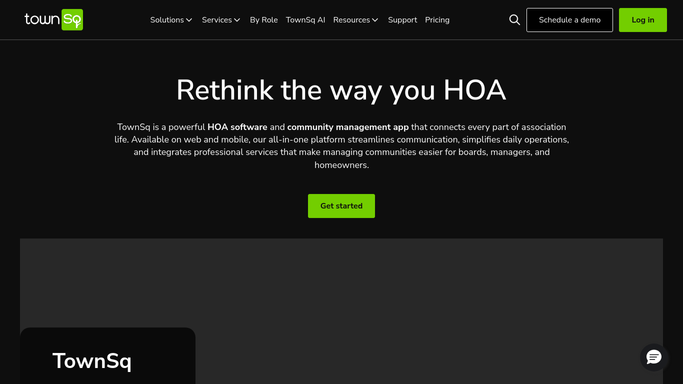
TownSq - check open ARC requests
townsq.io How to Automate TownSq

WebRun opens TownSq to check open ARC requests. - Open TownSq and navigate to the Architectural Review section
- Pull all open ARC requests with their submission date, owner name, unit, request type, and current status
- Identify requests within 5 days of the board's required response deadline
- Note any requests that have been approved or denied since the last run
Done when All open ARC requests are listed with their age, status, and deadline proximity.
-
2
Google Sheets - update status tracker
google.com How to Automate Google Sheets
WebRun opens Google Sheets to update status tracker. - Open the ARC tracker sheet
- Upsert each open request: add new submissions and update status on existing rows
- Highlight rows where the deadline is within 5 days in a separate flagged section for quick board review
- Mark resolved requests as approved or denied with the decision date
Done when The ARC tracker is fully current and deadline-critical requests are highlighted.
-
3
Gmail - draft owner update emails
gmail.com How to Automate Gmail
WebRun opens Gmail to draft owner update emails. - For each flagged near-deadline request, draft an update email to the owner acknowledging receipt and noting the expected decision timeline
- For newly decided requests, draft a decision notification with the board's outcome and any conditions
- Save all emails as Gmail drafts. The manager reviews and sends each one. Nothing is sent automatically
Done when Owner update drafts are ready in Gmail for manager review and approval.


How do I automatically track HOA architectural review requests and keep owners updated?
WebRun checks TownSq every morning for open architectural review requests, updates a Google Sheets tracker with each request's status and age, flags submissions nearing the board's decision deadline, and drafts owner update emails in Gmail. The manager approves every email before it reaches a homeowner.
- No ARC request misses its board response deadline
- Owners get timely status updates without the manager composing emails from scratch
- The full ARC pipeline is visible in one Google Sheets tracker updated daily
Built for HOA management companies · community association managers · ARC committee coordinators · HOA boards
How is each run configured?
Secure by default
Connect once, stays signed in
WebRun signs in once and keeps each session in a persistent environment, so every run picks up right where it left off.
Every action is checked against this policy before it runs.
Questions, answered
Will it send update emails to homeowners on its own?
No. All owner communications are saved as Gmail drafts. The manager reviews each draft and decides whether to send, edit, or hold it. Nothing reaches a homeowner without explicit approval.
How does it determine the response deadline?
You set the standard ARC response window at setup (typically 30 days from submission). WebRun counts from the TownSq submission date and flags requests within your configured warning threshold.
What if a request is withdrawn or cancelled?
Each run reads the live request list in TownSq, so withdrawn or cancelled submissions are automatically excluded from the tracker update and no draft is created for them.
Related templates
Put this on autopilot.
Turn it on in minutes - or have our team set it up for you.