Get drop shipment appointments booked before the truck leaves
Every hour through the production day, WebRun opens BCC Software, checks every job qualifying for drop shipment, confirms whether a USPS FAST appointment is booked for its destination facility, stages the appointment request for anything still missing, and sends your dispatcher a Telegram message to review and confirm before the truck is due to leave.
- No credit card
- Under $0.01 per run
- Cancel anytime
What does WebRun do on every run?
The exact actions WebRun takes, in order - in plain language, so you can adjust anything.
-
WebRun signs in and gets to work
Opens
www.bccsoftware.comin a real browser with your saved login - no setup, no API keys. -
1
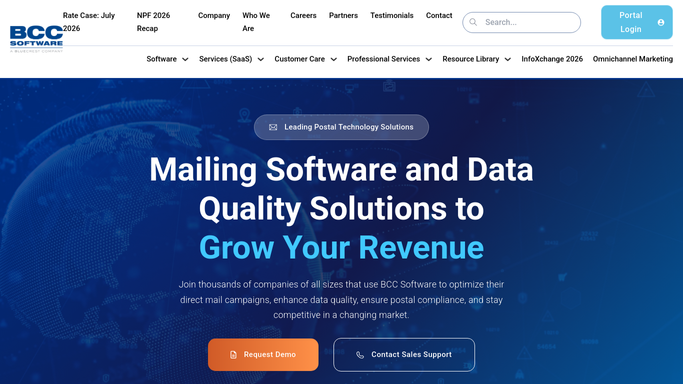
BCC Software - find jobs qualifying for drop shipment
bccsoftware.com How to Automate BCC Software

WebRun opens BCC Software to find jobs qualifying for drop shipment. - Open BCC Software and pull every job qualifying for drop shipment with its destination facility and mail date
- Capture the container counts and target drop-off window for each
- Skip any job already confirmed with a booked appointment
Done when Every qualifying drop shipment is listed with its destination and target window.
-
2
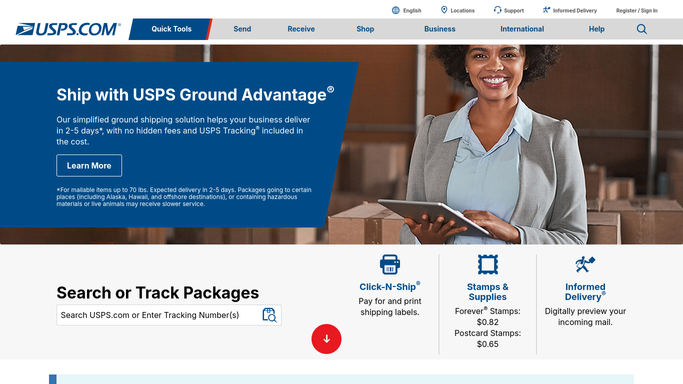
USPS FAST - check appointment status
usps.com
WebRun opens USPS FAST to check appointment status. - Open USPS FAST and check the appointment status for each destination facility
- Stage an appointment request with the container counts and target window for anything not yet booked
- Leave the request unconfirmed. Do not submit any appointment on your own
Done when Every drop shipment's appointment status is confirmed, with staged requests ready for anything still missing.
-
3
Telegram - alert the dispatcher to confirm
telegram.org How to Automate Telegram
WebRun opens Telegram to alert the dispatcher to confirm. - Message your dispatcher naming every job with an appointment still needed
- Include the destination facility and how close the truck's departure is
- Note that the request is staged in USPS FAST and ready for them to confirm
Done when Your dispatcher has a Telegram message for every job still needing a confirmed appointment.

How do I make sure a drop shipment has a confirmed USPS FAST appointment before the truck leaves?
Through the production day, WebRun opens BCC Software and finds jobs qualifying for drop shipment, then checks whether a USPS FAST appointment is booked for each destination facility. It stages the appointment request for anything still missing and sends your dispatcher a Telegram message to review and confirm before the truck is due to leave.
- Missing FAST appointments surface hours before a truck leaves, not at the dock
- Appointment requests are staged and ready, so your dispatcher just confirms
- Already-booked destinations are skipped, so no one double-checks what's done
Built for lettershops · mailing houses · drop shipment coordinators · mail logistics dispatchers
How is each run configured?
Secure by default
Connect once, stays signed in
WebRun signs in once and keeps each session in a persistent environment, so every run picks up right where it left off.
Every action is checked against this policy before it runs.
Questions, answered
Will it book the USPS FAST appointment on its own?
No. WebRun only stages the appointment request in USPS FAST and leaves it unconfirmed. Your dispatcher reviews the destination and window, then confirms it, so nothing is booked with USPS without a person checking it.
Why Telegram instead of Slack for this one?
Dispatchers are usually at the dock, not at a desk. A Telegram message reaches their phone directly, so a truck about to leave without a confirmed appointment gets noticed in time.
How does it know which jobs qualify for drop shipment?
It reads the drop-ship qualification BCC Software already assigns to each job based on the destination entry discount, so it only checks jobs that actually need a FAST appointment.
Related templates
Put this on autopilot.
Turn it on in minutes - or have our team set it up for you.