Generate alt-text suggestions for images missing them
Every Monday, WebRun checks WordPress for published posts containing images without alt text, cross-references Semrush to find which posts have the most organic traffic, drafts a descriptive alt-text suggestion for each image, and compiles everything into a Google Doc review sheet - nothing is saved to WordPress until you approve it.
- No credit card
- Under $0.01 per run
- Cancel anytime
 WordPress
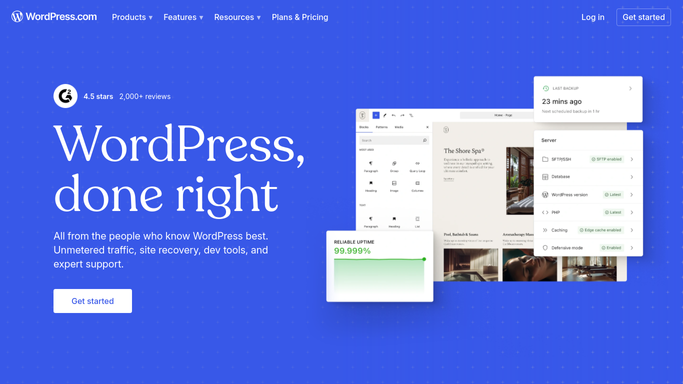
find images with missing alt text
WordPress
find images with missing alt text
What does WebRun do on every run?
The exact actions WebRun takes, in order - in plain language, so you can adjust anything.
-
WebRun signs in and gets to work
Opens
wordpress.com/mediain a real browser with your saved login - no setup, no API keys. -
1
WordPress - find images with missing alt text

WebRun opens WordPress to find images with missing alt text. - Open the Media Library and filter for images with no alt attribute set
- Cross-reference with published posts to find which posts contain these images
- Capture the image filename, the post it appears in, and any surrounding context (heading, caption, post topic)
Done when All images missing alt text are identified with their post context.
-
2
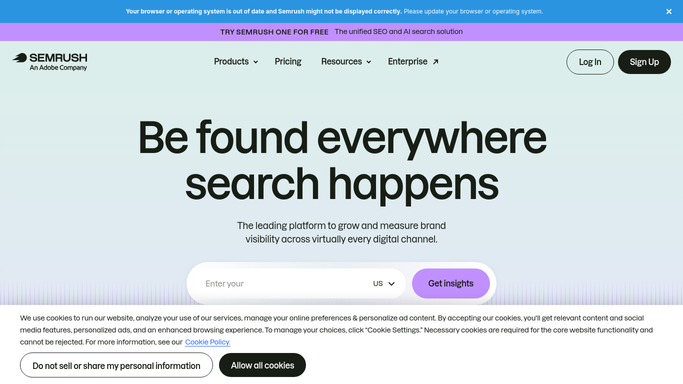
Semrush - prioritise by traffic impact
semrush.com
WebRun opens Semrush to prioritise by traffic impact. - Look up each affected post URL in the Organic Research report
- Pull the estimated monthly organic traffic for each post
- Rank the image list: images in highest-traffic posts come first
Done when The alt-text task list is ranked so the highest-impact images are addressed first.
-
3
Google Docs - draft alt-text suggestions for review
docs.google.com How to Automate Google Docs
WebRun opens Google Docs to draft alt-text suggestions for review. - Create a review document with a table: image filename, post URL, traffic rank, and a drafted alt-text suggestion based on the image context and post topic
- Leave the document in Draft - do not update any alt text in WordPress yet
- Add a 'Approved?' column for the team to tick off each suggestion
Done when A complete alt-text review document is saved in Google Docs, ready for the team to approve and apply.

How can I automatically find and fix images missing alt text on my WordPress site?
Every Monday, WebRun scans your WordPress posts for images missing alt text, cross-references Semrush to prioritise posts with the most organic traffic, drafts a descriptive alt-text suggestion for each image, and compiles everything into a Google Doc review sheet. Nothing is saved to WordPress until you approve the suggestions.
- Every image missing alt text is caught each week without manual post-by-post checking
- High-traffic posts are prioritised so the biggest SEO and accessibility wins come first
- Editors get a ready-to-review Google Doc rather than raw page data
Built for WordPress site owners · SEO managers · content teams · web accessibility teams
How is each run configured?
Secure by default
Connect once, stays signed in
WebRun signs in once and keeps each session in a persistent environment, so every run picks up right where it left off.
WordPress
Sign in once
Every action is checked against this policy before it runs.
Questions, answered
Will it add the alt text directly to my WordPress images?
Never without your approval. It drafts suggestions in a Google Doc for review - only after your team ticks off each one should anyone apply them in WordPress.
How does it write the alt-text suggestions?
It uses the image filename, the post title, the surrounding heading, and the page's target keyword to write a descriptive, specific alt text. You can edit any suggestion before applying it.
What about images that already have alt text - will it overwrite them?
No. It only includes images where the alt attribute is completely empty or missing. Existing alt text is left untouched.
Related templates
Put this on autopilot.
Turn it on in minutes - or have our team set it up for you.