Acknowledge new course proposals the moment they arrive
When a new course proposal comes in, WebRun checks CourseStorm's existing catalog for anything similar, drafts a personal acknowledgment reply in Gmail confirming what happens next, and pings your program committee in Telegram with the proposal details so it gets a timely first review.
- No credit card
- Under $0.01 per run
- Cancel anytime
What does WebRun do on every run?
The exact actions WebRun takes, in order - in plain language, so you can adjust anything.
-
WebRun signs in and gets to work
Opens
www.coursestorm.comin a real browser with your saved login - no setup, no API keys. -
1
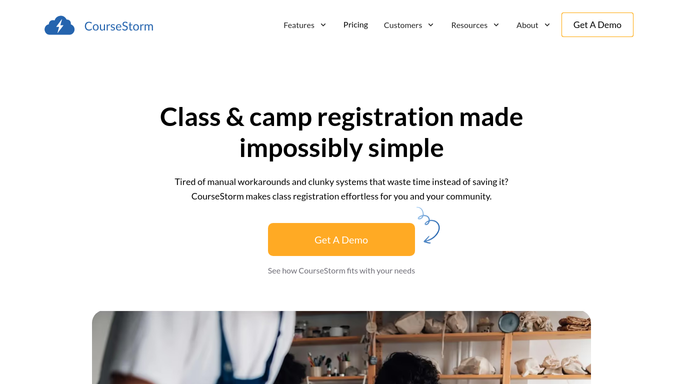
CourseStorm - check the catalog for similar courses
coursestorm.com How to Automate CourseStorm

WebRun opens CourseStorm to check the catalog for similar courses. - Search the existing catalog for courses with a similar title or topic
- Note any close match along with its last-run date and enrollment
- Capture the proposer's details and the new course description
Done when The proposal has been checked against the existing catalog for overlap.
-
2
Gmail - draft an acknowledgment reply
gmail.com How to Automate Gmail
WebRun opens Gmail to draft an acknowledgment reply. - Draft a reply thanking the proposer and confirming their proposal was received
- Note any similar existing course found, so they know it's been considered
- Save it as a draft. Do not send it automatically
Done when A ready-to-send acknowledgment draft exists for the proposer.
-
3
Telegram - notify the committee to review it
telegram.org How to Automate Telegram
WebRun opens Telegram to notify the committee to review it. - Message the program committee with the proposal summary and proposer's background
- Flag whether a similar course already exists in the catalog
- Leave the accept, revise, or decline decision to the committee
Done when The committee has the new proposal and its catalog context in Telegram.


How do I acknowledge and route new course proposals as they come in?
WebRun checks CourseStorm's catalog for overlap the moment a new course proposal arrives, drafts a Gmail acknowledgment for the proposer, and pings your program committee in Telegram with the proposal and any similar existing course. Staff review and send the acknowledgment, and the committee makes the accept or decline call, so no proposal sits unanswered.
- Every proposer gets an acknowledgment drafted within minutes, not weeks
- Committees see catalog overlap before they review a new proposal
- No proposal sits unanswered waiting for someone to notice it
Built for community education program committees · adult ed curriculum coordinators · continuing education directors · parks and rec program development staff
How is each run configured?
Secure by default
Connect once, stays signed in
WebRun signs in once and keeps each session in a persistent environment, so every run picks up right where it left off.
Every action is checked against this policy before it runs.
Questions, answered
Will it reply to the proposer without anyone reading their submission?
No. WebRun drafts the acknowledgment reply in Gmail, but a staff member reviews and sends it. Nothing goes back to the proposer automatically.
Does it accept or reject the course proposal itself?
No. It only checks the catalog for overlap and passes the proposal to your committee in Telegram. The accept, revise, or decline decision always stays with the committee.
How does it check for similar courses already offered?
It searches your existing CourseStorm catalog by title and topic, and reports any close match with its last-run date and enrollment, so the committee has context before deciding.
Related templates
Put this on autopilot.
Turn it on in minutes - or have our team set it up for you.