Follow up on every active payment plan before it breaks
Every morning, WebRun opens TrueAccord, reviews all active payment plans for installments due in the next 48 hours, logs at-risk accounts to Google Sheets, and posts your team a Slack digest so no plan slips through unnoticed.
- No credit card
- Under $0.01 per run
- Cancel anytime
What does WebRun do on every run?
The exact actions WebRun takes, in order - in plain language, so you can adjust anything.
-
WebRun signs in and gets to work
Opens
app.trueaccord.comin a real browser with your saved login - no setup, no API keys. -
1
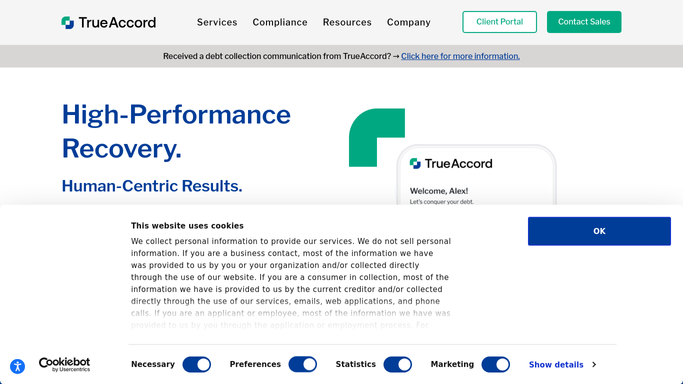
TrueAccord - review active payment plans
trueaccord.com

WebRun opens TrueAccord to review active payment plans. - Open TrueAccord and navigate to the active payment plans dashboard
- Filter for installments due within the next 48 hours
- Capture account ID, debtor name, amount due, and plan status for each
- Flag any plan that has already missed a prior installment this cycle
Done when All at-risk payment plan installments are listed with account details and due dates.
-
2
Google Sheets - log at-risk installments
google.com How to Automate Google Sheets
WebRun opens Google Sheets to log at-risk installments. - Open the payment-plan tracker sheet
- Append each at-risk account as a new row with date, account ID, amount, and risk flag
- Mark rows green when paid and red when overdue on subsequent runs
Done when The tracker sheet reflects today's at-risk installments with current status.
-
3
Slack - post follow-up digest to team
slack.com How to Automate Slack
WebRun opens Slack to post follow-up digest to team. - Post a morning digest to the collections channel listing plans due today and tomorrow
- Highlight any accounts with a prior missed installment at the top of the message
- Include a link to the Google Sheets tracker for drill-down
Done when The team has a prioritized Slack summary of payment plans needing attention today.


How can I automatically follow up on active debt payment plans before they break?
WebRun opens TrueAccord every morning, finds payment plan installments due in the next 48 hours, and flags accounts at risk of breaking. It logs each case to Google Sheets and posts a ranked digest to Slack so your collections team can intervene before a plan falls apart.
- At-risk payment plans flagged before they break
- Team gets a prioritized Slack digest every morning
- No missed installment goes unnoticed across your portfolio
Built for debt collection agencies · consumer finance teams · accounts receivable managers · collections supervisors
How is each run configured?
Secure by default
Connect once, stays signed in
WebRun signs in once and keeps each session in a persistent environment, so every run picks up right where it left off.
Every action is checked against this policy before it runs.
Questions, answered
Will it contact debtors directly?
No. WebRun only reads TrueAccord data and posts an internal digest to your team in Slack. Any outreach to debtors stays inside TrueAccord and requires your approval before sending.
How does it decide which plans are at risk?
It flags any installment due within 48 hours, plus any account that missed a prior installment in the same plan cycle, so your team can act before the plan technically breaks.
What if a payment comes in after the morning run?
Subsequent runs re-read live TrueAccord status, so plans settled mid-day are removed from the at-risk list on the next cycle and the sheet row is updated to green.
Related templates
Put this on autopilot.
Turn it on in minutes - or have our team set it up for you.