Route new debt disputes to the right handler before deadlines pass
Every morning, WebRun opens TrueAccord, finds any newly filed consumer disputes, captures the dispute type, account details, and regulatory response deadline, logs each dispute in an Airtable handling queue, and posts a Slack alert to the compliance team so no dispute deadline is missed.
- No credit card
- Under $0.01 per run
- Cancel anytime
What does WebRun do on every run?
The exact actions WebRun takes, in order - in plain language, so you can adjust anything.
-
WebRun signs in and gets to work
Opens
app.trueaccord.comin a real browser with your saved login - no setup, no API keys. -
1
TrueAccord - find newly filed consumer disputes
trueaccord.com

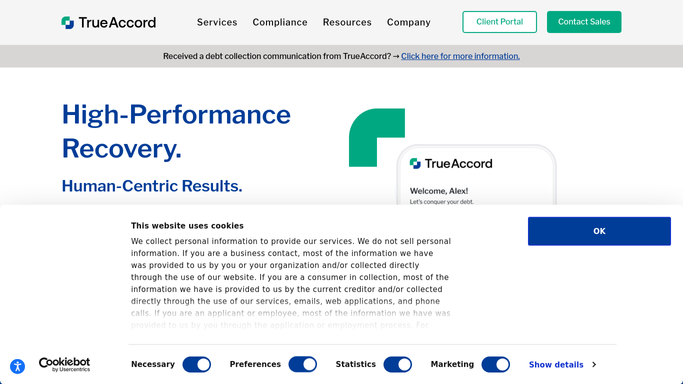
WebRun opens TrueAccord to find newly filed consumer disputes. - Open TrueAccord and filter for accounts with a dispute status filed since yesterday's run
- Capture account ID, dispute type (e.g., not my debt, amount incorrect, already paid), date filed, and required response deadline
- Note any prior disputes or validation requests on the same account
Done when All new disputes filed in the last 24 hours are listed with type, account details, and deadline.
-
2
Airtable - log disputes with deadlines and handler assignment
airtable.com How to Automate Airtable
WebRun opens Airtable to log disputes with deadlines and handler assignment. - Open the dispute handling queue base in Airtable
- Create a new record for each dispute with type, account ID, date filed, deadline, and handler assignment field
- Sort open disputes by deadline ascending so the most urgent items appear at the top
- Mark records resolved when the dispute is closed in a subsequent TrueAccord check
Done when Each new dispute has an Airtable record with a deadline and handler assignment field ready to fill.
-
3
Slack - alert compliance team to new disputes
slack.com How to Automate Slack
WebRun opens Slack to alert compliance team to new disputes. - Post a Slack alert to the compliance channel listing new disputes, their type, and response deadlines
- Flag any dispute with a deadline in the next 3 days as urgent
- Link to the Airtable queue for assignment and tracking
Done when Compliance team has a Slack alert with all new disputes and upcoming deadlines.


How can I automatically route consumer debt disputes to the right handler before deadlines?
WebRun opens TrueAccord every morning, finds consumer disputes filed in the last 24 hours, and logs each one in an Airtable queue with the dispute type, account details, and regulatory response deadline. It then alerts your compliance team in Slack so urgent disputes get a handler assigned before the clock runs out.
- Every new consumer dispute logged with its deadline on the day it is filed
- Urgent disputes flagged to compliance team before the 30-day window closes
- No dispute missed due to manual inbox monitoring
Built for debt collection agencies · compliance officers · collections managers · consumer finance legal teams
How is each run configured?
Secure by default
Connect once, stays signed in
WebRun signs in once and keeps each session in a persistent environment, so every run picks up right where it left off.
Every action is checked against this policy before it runs.
Questions, answered
Will it send responses to disputing consumers automatically?
No. WebRun only reads dispute data and routes it to your handling queue in Airtable with deadline flags. All consumer-facing responses are drafted and sent by your compliance team in TrueAccord after human review.
How does it determine the response deadline?
It reads the dispute type and filed date from TrueAccord and applies the standard FDCPA 30-day validation response window as the default. Your team can adjust the deadline rule for state-specific or contractual requirements.
What if the same account files a dispute twice?
WebRun checks for a prior dispute record on the account in Airtable and links the new dispute to the existing record rather than creating a duplicate, so your team sees the full dispute history in one place.
Related templates
Put this on autopilot.
Turn it on in minutes - or have our team set it up for you.