Catch roast defects before a bad batch ships to a wholesale account
Every morning, WebRun opens Cropster, compares every batch roasted since the last run against its target profile for development time, drop temperature, and curve shape, logs any batch that falls outside tolerance to a defect report in Google Sheets, and posts a Slack alert to your head roaster naming every flagged batch before it is bagged and shipped.
- No credit card
- Under $0.01 per run
- Cancel anytime
What does WebRun do on every run?
The exact actions WebRun takes, in order - in plain language, so you can adjust anything.
-
WebRun signs in and gets to work
Opens
app.cropster.comin a real browser with your saved login - no setup, no API keys. -
1
Cropster - compare each batch against its target profile
cropster.com How to Automate Cropster

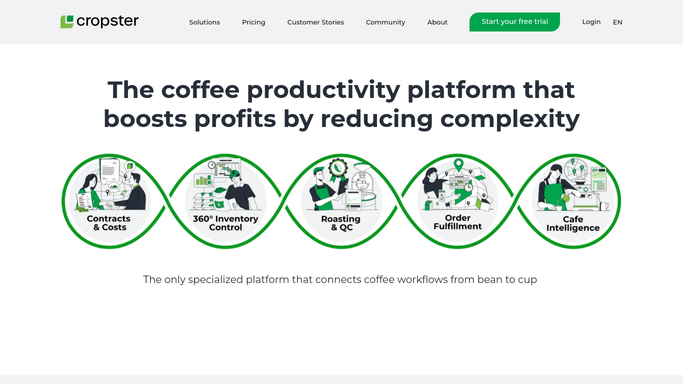
WebRun opens Cropster to compare each batch against its target profile. - Open Cropster and pull every batch roasted since the last run
- Compare each batch's development time, drop temperature, and curve shape against its target profile
- Flag any batch that falls outside your set tolerance on any of those measures
Done when Every batch roasted since the last run is checked against its target profile.
-
2
Google Sheets - log every batch that falls outside tolerance
google.com How to Automate Google Sheets
WebRun opens Google Sheets to log every batch that falls outside tolerance. - Open the roast defect log
- Append a row for every flagged batch with the target profile, the actual result, and which measure was out of tolerance
- Leave batches within tolerance out of the log
Done when Every flagged batch this run is logged with its target and actual roast data.
-
3
Slack - alert the head roaster to flagged batches
slack.com How to Automate Slack
WebRun opens Slack to alert the head roaster to flagged batches. - Post a Slack alert to the head roaster naming every batch flagged today
- Include the batch, the green lot, and which measure missed tolerance
- Send nothing when every batch roasted since the last run is within tolerance
Done when The head roaster has been alerted to every flagged batch, or nothing is sent when all batches are within tolerance.


How do I catch a roast defect before a batch ships to a wholesale account?
WebRun compares every roast batch in Cropster each morning against its target profile for development time, drop temperature, and curve shape, logs any batch that falls outside tolerance to a defect report in Google Sheets, and alerts your head roaster in Slack, so a batch that misses its profile gets caught before it is bagged and shipped.
- A batch that misses its profile gets flagged before it ships, not after a complaint
- Every deviation is logged with the target and actual result for a full defect history
- Head roasters get one clear Slack alert instead of reviewing every curve by hand
Built for wholesale coffee roasters · head roasters · production QC teams
How is each run configured?
Secure by default
Connect once, stays signed in
WebRun signs in once and keeps each session in a persistent environment, so every run picks up right where it left off.
Every action is checked against this policy before it runs.
Questions, answered
Will it pull a flagged batch from inventory automatically?
No. WebRun only flags the batch and alerts your head roaster. Deciding whether to hold, re bag, or ship a flagged batch is always a call your team makes.
What counts as outside tolerance?
You set the acceptable range for development time, drop temperature, and curve shape per profile in Cropster. WebRun flags anything outside that range, so the sensitivity is entirely in your hands.
Does it check every batch or just wholesale orders?
It checks every batch roasted since the last run, regardless of which order it is for, so a defect gets caught whether the coffee is headed to a wholesale account or your own retail bags.
Related templates
Put this on autopilot.
Turn it on in minutes - or have our team set it up for you.