Win back customers who have not booked in over a year
Every Monday, WebRun opens ServiceMonster, finds customers with no job in the last 12 months, drafts a personalised win-back email for each with a compelling reason to rebook, and posts a Slack summary so you can review and approve before anything is sent.
- No credit card
- Under $0.01 per run
- Cancel anytime
What does WebRun do on every run?
The exact actions WebRun takes, in order - in plain language, so you can adjust anything.
-
WebRun signs in and gets to work
Opens
app.servicemonster.netin a real browser with your saved login - no setup, no API keys. -
1
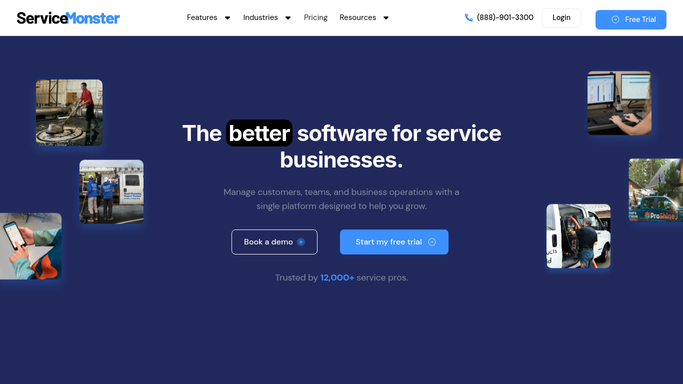
ServiceMonster - find customers lapsed over 12 months
servicemonster.net How to Automate ServiceMonster

WebRun opens ServiceMonster to find customers lapsed over 12 months. - Open ServiceMonster and filter customer records by last job date
- Identify customers whose last completed job was 12 or more months ago
- Capture the customer name, contact email, last service type, property address, and length of lapse for each
- Exclude any customer with a do-not-contact tag or a pending future appointment
Done when Every lapsed customer is listed with their contact details, last service, and months since their last clean.
-
2
Gmail - draft personalised win-back emails
gmail.com How to Automate Gmail
WebRun opens Gmail to draft personalised win-back emails. - Draft a personalised win-back email for each lapsed customer, referencing their last service and how long it has been
- Include a compelling reason to rebook, such as a seasonal tip or a limited-time offer placeholder for you to fill in
- Save every email as a draft, leaving it unsent for your review and approval
Done when A ready-to-send win-back draft exists in Gmail for every lapsed customer in the batch.
-
3
Slack - notify you to review and approve
slack.com How to Automate Slack
WebRun opens Slack to notify you to review and approve. - Post a summary of how many win-back drafts are ready, with a breakdown by months lapsed
- Highlight customers who were high-value or frequent visitors before they lapsed
- Include a link to the Gmail drafts folder
Done when You have a Slack summary of the win-back batch with drafts ready to review and send.


How do I automatically win back lapsed carpet cleaning customers?
WebRun opens ServiceMonster every Monday, finds customers with no job in the past 12 months, and drafts a personalised win-back email in Gmail for each one. A Slack summary shows how many drafts are ready and flags your highest-value lapsed customers so you can review, adjust the offer, and send before competitors do.
- Dormant customers are contacted before they permanently switch to a competitor
- Win-back drafts highlight your highest-value lapsed accounts for priority review
- Do-not-contact customers are excluded automatically from every batch
Built for carpet cleaning companies · upholstery cleaning services · residential cleaning businesses · field service operators
How is each run configured?
Secure by default
Connect once, stays signed in
WebRun signs in once and keeps each session in a persistent environment, so every run picks up right where it left off.
Every action is checked against this policy before it runs.
Questions, answered
Will it email lapsed customers without my approval?
No. Every win-back email is saved as a Gmail draft for you to review first. Nothing is sent until you approve it, so you control the offer and message before it reaches a customer.
How does it handle customers who have asked not to be contacted?
It checks for a do-not-contact tag in ServiceMonster before each run and skips those records automatically. Customers with a future booking are also excluded.
Can it run win-back campaigns on a schedule, not just once a week?
Yes. The default is a weekly Monday run, but you can adjust the schedule to monthly or any other cadence that suits your business.
Related templates
Put this on autopilot.
Turn it on in minutes - or have our team set it up for you.