Reveal your top selling cuts every week
Every Monday, WebRun opens Markt POS, ranks last week's cuts by revenue and pounds sold, pulls each cut's cost from QuickBooks to calculate margin, and posts the top and bottom performers to Slack so you know what to feature and what to cut back on.
- No credit card
- Under $0.01 per run
- Cancel anytime
What does WebRun do on every run?
The exact actions WebRun takes, in order - in plain language, so you can adjust anything.
-
WebRun signs in and gets to work
Opens
marktpos.comin a real browser with your saved login - no setup, no API keys. -
1
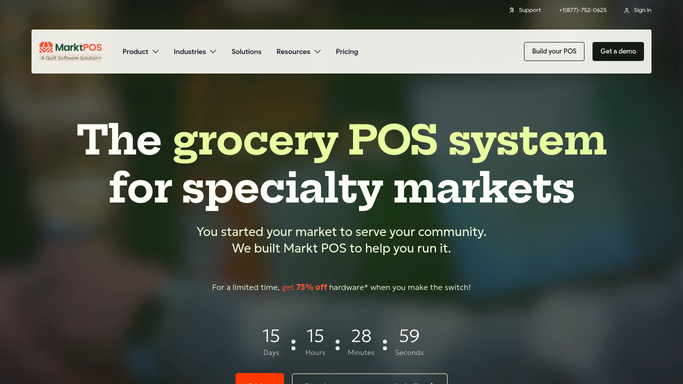
Markt POS - rank last week's cuts by sales
marktpos.com How to Automate Markt POS

WebRun opens Markt POS to rank last week's cuts by sales. - Open Markt POS and pull last week's sales by cut
- Rank cuts by revenue and by pounds sold
- Note the top 10 and bottom 5 by revenue
Done when Last week's cuts are ranked by revenue and pounds sold.
-
2
QuickBooks - pull cost data for margin
- Pull the latest cost per pound for each ranked cut
- Calculate gross margin for the top 10 and bottom 5
- Flag any cut selling well but with thin margin
Done when Every ranked cut has a calculated gross margin.
-
3
Slack - post the ranked report
slack.com How to Automate Slack
WebRun opens Slack to post the ranked report. - Post the top 10 and bottom 5 cuts with revenue and margin
- Highlight any high volume, low margin cut for review
- Leave any pricing decision for the owner to make
Done when The ranked report is in Slack with revenue, volume, and margin for each cut.

How do I see which meat cuts sell best each week?
WebRun reveals your top and bottom selling cuts every Monday. It ranks last week's Markt POS sales by revenue and pounds sold, pulls each cut's cost from QuickBooks to calculate gross margin, and posts the ranked list to Slack, flagging any high volume cut with thin margin so you can see what to feature and what to reprice next.
- Top and bottom cuts land in Slack every Monday without a manual pull
- Margin is calculated from real QuickBooks cost, not a guess
- High volume, low margin cuts get flagged for a pricing look
Built for butcher shops · meat markets · specialty grocers · meat department managers
How is each run configured?
Secure by default
Connect once, stays signed in
WebRun signs in once and keeps each session in a persistent environment, so every run picks up right where it left off.
Every action is checked against this policy before it runs.
Questions, answered
Does it change any prices based on the report?
No. It only reports revenue, volume, and margin by cut. Any pricing or case mix decision stays with you.
Where does the margin figure come from?
It divides each cut's Markt POS revenue by the cost per pound recorded in QuickBooks, so margin reflects your actual purchase cost, not a guess.
Can it break the report out by department?
Yes. Tell WebRun which departments to separate, like beef, poultry, or pork, and it ranks each one on its own.
Related templates
Put this on autopilot.
Turn it on in minutes - or have our team set it up for you.