Close the books faster with an end-of-day reconciliation digest
Every evening, WebRun opens Conqueror X, captures the day's register totals by payment method, compares them against entries in QuickBooks, flags any discrepancy greater than your tolerance, and posts a clean reconciliation summary to Slack for your end-of-day review.
- No credit card
- Under $0.01 per run
- Cancel anytime
What does WebRun do on every run?
The exact actions WebRun takes, in order - in plain language, so you can adjust anything.
-
WebRun signs in and gets to work
Opens
www.qubicaamf.comin a real browser with your saved login - no setup, no API keys. -
1
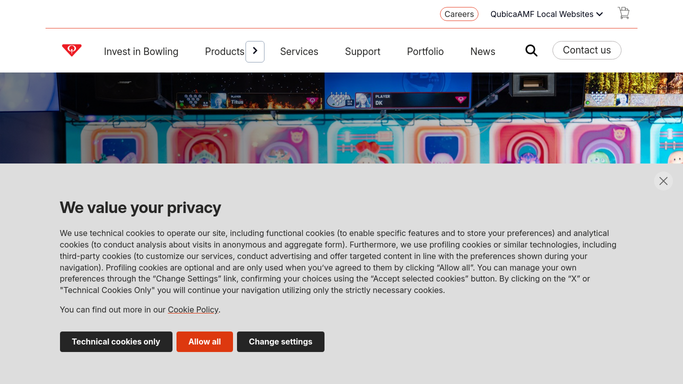
Conqueror X - pull register totals by payment method
qubicaamf.com How to Automate Conqueror X

WebRun opens Conqueror X to pull register totals by payment method. - Open Conqueror X and navigate to the end-of-day or Z-report section
- Capture total sales by payment method: cash, card, gift card, and other tender
- Note the total transaction count and any voids or refunds processed today
Done when All register totals and tender splits are captured for the day.
-
2
QuickBooks - compare against accounting entries
- Open QuickBooks and navigate to today's transactions or bank register
- Compare each payment-method total against the corresponding QuickBooks entry
- Calculate the variance for each tender type
- Flag any variance greater than the configured tolerance, e.g. more than $5
Done when Each Conqueror X total is compared to QuickBooks with variances calculated.
-
3
Slack - post reconciliation summary with any flags
slack.com How to Automate Slack
WebRun opens Slack to post reconciliation summary with any flags. - Post a reconciliation summary to your Slack channel showing each tender type, the POS total, the QuickBooks total, and the variance
- Highlight any discrepancies in red or with a warning flag
- If everything matches, post a clean summary confirming the books balance
Done when The reconciliation summary is in Slack before you lock up for the night.

How do I automatically reconcile my bowling center POS with QuickBooks?
WebRun pulls your Conqueror X register totals every evening, compares each payment-method figure against QuickBooks, and posts a reconciliation summary to Slack flagging any variance above your tolerance. Your books are cross-checked every night automatically, so discrepancies surface before the next business day rather than turning into month-end mysteries.
- Register-to-QuickBooks variances caught every evening, not at month end
- Full tender-split breakdown posted to Slack in seconds
- No manual end-of-day report building required
Built for bowling center owners · bowling center managers · bowling center accountants
How is each run configured?
Secure by default
Connect once, stays signed in
WebRun signs in once and keeps each session in a persistent environment, so every run picks up right where it left off.
Every action is checked against this policy before it runs.
Questions, answered
Will it make any changes in QuickBooks automatically?
No. WebRun is read-only in both Conqueror X and QuickBooks. It only compares figures and posts a summary. Any corrections are made by you.
What counts as a discrepancy?
Any variance between the Conqueror X register total and the QuickBooks entry for the same tender type that exceeds your configured tolerance. The default is $5, but you can set any threshold.
Does it handle multiple registers or lanes?
Yes. It aggregates all registers and terminals in Conqueror X into a single daily total before comparing, so multi-register centers are fully supported.
Related templates
Put this on autopilot.
Turn it on in minutes - or have our team set it up for you.