Flag eMAR exceptions for you
Every hour, WebRun opens ECP, reviews the eMAR for any missed, late, or refused medication dose, logs each exception with the resident, medication, and reason in a Google Sheet, and emails your nurse on duty a same-shift alert, keeping every medication exception inside the care team and off any external channel.
- No credit card
- Under $0.01 per run
- Cancel anytime
What does WebRun do on every run?
The exact actions WebRun takes, in order - in plain language, so you can adjust anything.
-
WebRun signs in and gets to work
Opens
www.ecp123.comin a real browser with your saved login - no setup, no API keys. -
1
ECP - find eMAR medication exceptions
ecp123.com How to Automate ECP

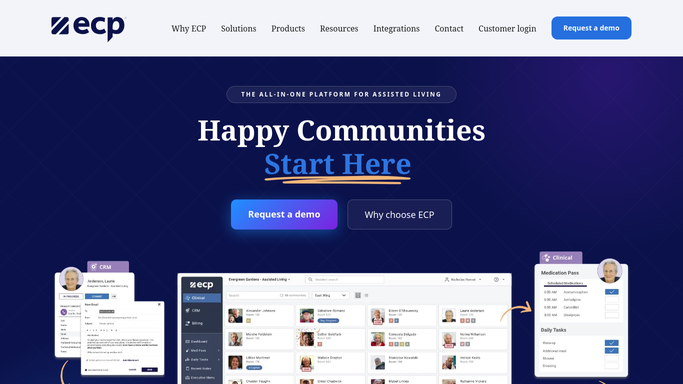
WebRun opens ECP to find eMAR medication exceptions. - Open ECP and review the eMAR for any missed, late, or refused dose since the last check
- Capture the resident, medication, scheduled time, and the reason logged
- Flag any exception involving a high-risk medication for immediate attention
Done when Every new eMAR exception is captured with its full detail.
-
2
Google Sheets - log each exception with its reason
google.com How to Automate Google Sheets
WebRun opens Google Sheets to log each exception with its reason. - Open the eMAR exception log in Google Sheets
- Add a row for each new exception with resident, medication, and reason
- Tally the shift and daily exception counts for QA trend review
Done when The exception log reflects every flagged dose with no gaps.
-
3
Gmail - alert the nurse on duty the same shift
gmail.com How to Automate Gmail
WebRun opens Gmail to alert the nurse on duty the same shift. - Draft and send an internal alert to the nurse on duty for each new exception
- Mark high-risk medication exceptions clearly at the top
- Keep the alert internal to your clinical team. It never sends resident medication details outside the care team
Done when The nurse on duty has been alerted to every new exception the same shift.


How do I get alerted to eMAR medication exceptions right away?
WebRun reviews the eMAR in ECP every hour for any missed, late, or refused medication dose, logs each exception with its reason to Google Sheets, and alerts the nurse on duty by email the same shift. Every alert stays inside your clinical team, so no resident's medication information reaches family or anyone outside the care team.
- Missed, late, and refused doses reach the nurse on duty within the hour
- Every exception is logged for QA trend review instead of only handled verbally
- Medication details stay inside the clinical team and never reach an outside party
Built for directors of nursing · med aides and nurses on duty · assisted living clinical teams · QA and compliance staff
How is each run configured?
Secure by default
Connect once, stays signed in
WebRun signs in once and keeps each session in a persistent environment, so every run picks up right where it left off.
Every action is checked against this policy before it runs.
Questions, answered
Does resident medication information ever leave the care team?
No. Every alert goes only to your internal nurse on duty and clinical staff. WebRun never sends a resident's medication details to family or any outside party.
How fast is an exception flagged?
Within the hour. It checks the eMAR every hour around the clock, so a missed or refused dose reaches the nurse on duty the same shift, not the next one.
What counts as an exception?
Any dose logged in ECP as missed, late, or refused. You can also mark specific high-risk medications to flag with extra urgency.
Related templates
Put this on autopilot.
Turn it on in minutes - or have our team set it up for you.