How to Automate FareHarbor
FareHarbor emails guests on its own: a confirmation carrying the operator's notes, reminders by email or text, and a follow-up after the trip. For the staff side, an AI agent such as WebRun posts each guide's run sheet to Slack, sums up tomorrow's tours for the ops channel, and drafts failed-payment and review emails in Gmail for someone to send.
 Written by
Hannah Vogel
Finance operations
Written by
Hannah Vogel
Finance operations
 Reviewed by
Yara Haddad
Data operations
Reviewed by
Yara Haddad
Data operations
The manifest is where a FareHarbor day starts
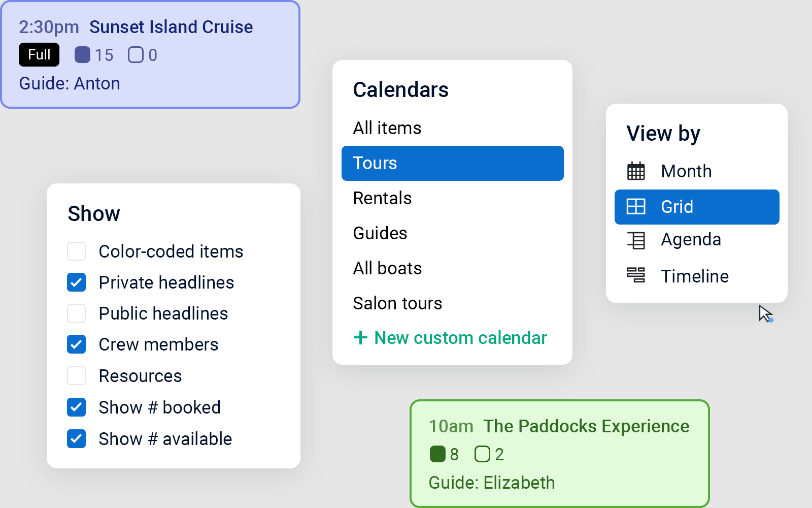
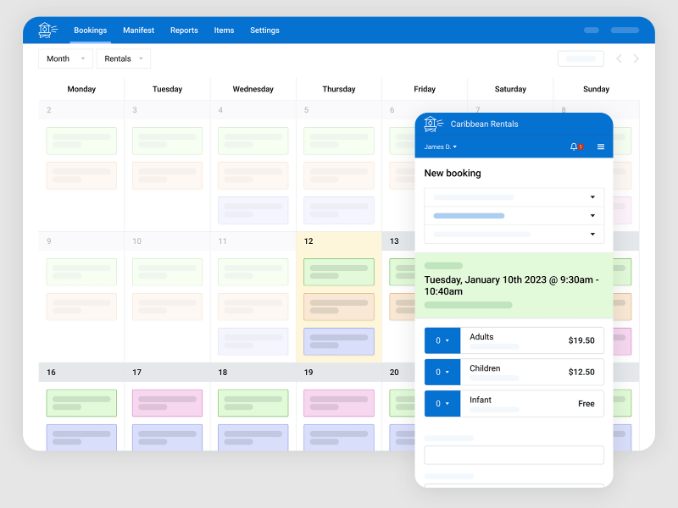
At a kayak rental shop or a sunset cruise, the first screen anyone opens in the morning is the FareHarbor manifest. It shows the day's bookings, which staff can sort by guide or by start time, with the custom fields the operator collects at checkout, such as dietary restrictions or a language preference. Staff check guests in and mark no-shows on it, drivers get a summary of pickup locations and times, and a guide can take a printed or exported copy along.
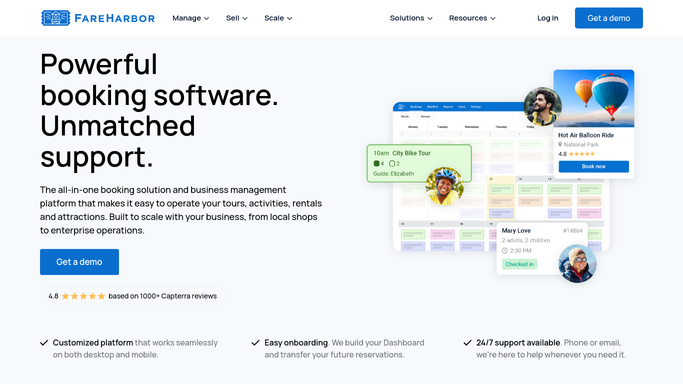
FareHarbor is booking and business management software for tours, activities, rentals and attractions, used by local shops and enterprise operations alike. Guests book on the operator's own website through a checkout in 23 languages, and walk-ups pay at the counter on FareHarbor Dock.
Every guide needs their own list before the first boat leaves
Before the first departure, the operations manager filters the manifest by guide and sends each guide their tours and meeting points. What a guide most needs to know sits in custom fields and booking notes: a guest who uses a wheelchair, or a birthday on the sunset cruise.
The evening before, the same manager goes through tomorrow tour by tour, looking for full departures and anyone who will need help with gear. Overnight, a card payment on a phone booking fails, and the booking shows an amount due until the office sends the guest a link to pay.
After each trip, the owner likes to thank families by name, mention the guide who looked after them and point them to Google or TripAdvisor, and keeps a list so nobody is asked twice.
FareHarbor emails each guest before and after the trip
FareHarbor sends each guest a confirmation email when the booking is made, with the date, time and price and the confirmation notes the operator writes for that item, such as where to meet and what to bring. Scheduled reminders follow by email, text or both, as many hours before the start as the operator chooses. A follow-up goes out a set time after the trip, and operators use it to ask for a review.
Crew get email and push notifications of their scheduled shifts, and a manifest link for each availability they are assigned to. Waitlist offers seats freed by cancellations, and guests rebook or cancel online themselves. FareHarbor has also added two AI tools. Skipper, a Dashboard assistant, walks staff through tasks such as adding availability or running a report. FareHarbor Agent answers guests across phone, email, chat, SMS, Facebook, Instagram and WhatsApp, and is rolling out to a select group of operators.
Those messages travel on FareHarbor's own channels: the guest's inbox and phone, the crew's email and push notifications. A guide reads special requests by opening the manifest link, tomorrow's numbers are on the manifest for whoever opens it, and a failed payment shows as an amount due on the booking until the office sends the guest a payment link.
Guides read their own manifest in Slack before the first departure
Guides read the day in one Slack message each, posted at seven to a channel or as a direct message. Each lists their tours in start-time order with meeting points, guest names and party sizes, and puts every special request and accessibility note at the top. The same lists fill a Google Sheet, one tab per guide, with a headcount row under each tour.
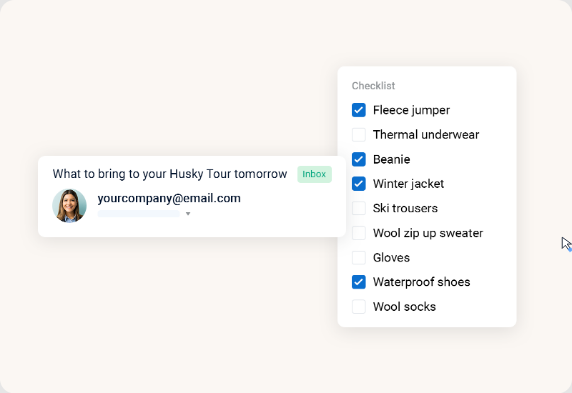
The evening before, the operations manager gets tomorrow's tours from the ops channel, each with its start time and guest count, full departures and guests with special needs flagged. For operators who send their own day-before note instead of FareHarbor's reminder, a Gmail draft per guest carries the start time, the meeting point, a gear and clothing list for that tour and a number to call.
The office manager handles failed payments from Google Sheets, nearest tour first, where each case has the guest, the amount, the tour date and a Gmail draft with a link to retry the payment. The morning after a trip, the owner reads thank-you drafts for yesterday's guests, each naming the tour and the guide with links to Google and TripAdvisor, and the outreach log leaves out anyone already asked.
Three of these jobs overlap emails FareHarbor already sends
Those Slack posts and drafts come out of four visits a day to the FareHarbor Dashboard: the manifest at seven, the payments section at 7:30, yesterday's completed tours at nine and tomorrow's bookings at six. WebRun is an AI agent that works a real Chrome browser, signed in as you. FareHarbor's permission settings decide what a user can view and whether it may edit reservations, so the user these workflows run under can read bookings and payments without editing any.
The office manager and the owner send every guest email from their own Gmail drafts. The confirmation, day-before reminder and review request workflows repeat messages FareHarbor sends on its own. Leave FareHarbor's sending on, and use those three for what they add: the bookings log, the evening summary in Slack, a personal note someone reads first, and a record of who already has a review request.
Questions people ask
How soon does a guest hear about a failed payment?
The next morning, once someone sends the draft. The check runs before eight and covers failures over the past day, with the failure reason where FareHarbor shows one, and drafts for tours inside 48 hours tell the guest the booking needs confirming quickly.
Can FareHarbor Agent send the payment links instead?
In a conversation, it can: FareHarbor Agent answers guests who message the operator and can send a booking or payment link there. The failed-payment workflow starts from the payments section, so every failed payment gets a draft whether or not the guest has written in.
Do guides need Slack to get their run sheet?
No. A guide without Slack can open their own tab in the Google Sheet, or keep using the manifest link FareHarbor emails to crew.
Sources
- Automatic reminders and follow-ups FareHarbor's help article on reminder emails and texts sent a set number of hours before an activity, up to 2880 hours ahead, follow-up emails that encourage reviews, and switching them off for an availability called off for bad weather.
- Crew notifications Lists the notifications crew receive, including crew reminders, new and cancelled bookings, and a manifest link sent 24 hours before by default.
- FareHarbor Agent: AI-powered guest communication Describes FareHarbor Agent answering guest questions across phone, email, chat, SMS, Facebook, Instagram and WhatsApp from real-time availability and policies, with handoff rules to staff.
- Exceptional customer experience | FareHarbor Covers the booking flow in 23 languages, automated emails and texts, self-service rebooking and cancellation, and Waitlist with automatic notifications.
- Meet FareHarbor Agent: AI-powered guest communication for tour operators FareHarbor's post of 27 April 2026: the Agent can send booking or payment links in the conversation, and it is rolling out to a select group of operators.
- Strengthen your operations with FareHarbor's latest updates FareHarbor's post of 9 October 2025 introducing Skipper, the AI Dashboard assistant that gives step-by-step guidance on tasks such as creating items, adding availability or generating reports.
- Smarter scheduling with the FareHarbor manifest FareHarbor's post of 10 July 2025 on the manifest: sorting by activity, guide or time, check-in and no-shows, pickup summaries for drivers, custom fields such as dietary restrictions, and printing or exporting for guides.
- Staff management | FareHarbor Shift notifications by email and push, and permission settings that decide what each user can view and whether they can edit reservations or run reports.
5 ready-made FareHarbor workflows
Each one names the apps it touches and the exact steps it takes. Open one to read what it will do, then turn it on.


Want one of these running on your own FareHarbor?
Show WebRun the process once and it will run it on schedule, in your own private browser environment.