Clear slow moving shellfish before you lose it
Every night, WebRun opens LithosPOS, finds shellfish lots with no sales in the last few days, works out a suggested markdown based on days of shelf life left, logs it to Google Sheets, and emails you the list to approve before tomorrow's open.
- No credit card
- Under $0.01 per run
- Cancel anytime
What does WebRun do on every run?
The exact actions WebRun takes, in order - in plain language, so you can adjust anything.
-
WebRun signs in and gets to work
Opens
lithospos.comin a real browser with your saved login - no setup, no API keys. -
1
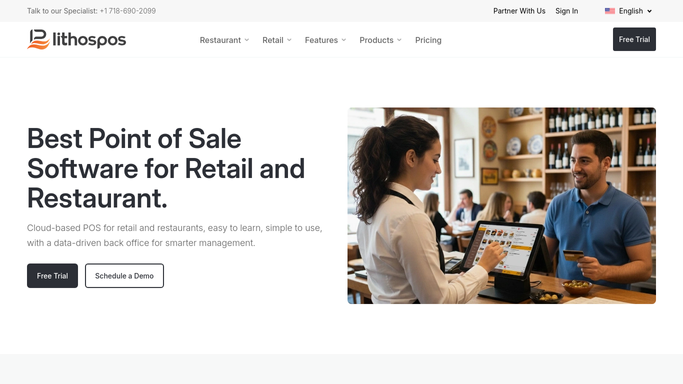
LithosPOS - find shellfish with no recent sales
lithospos.com How to Automate LithosPOS

WebRun opens LithosPOS to find shellfish with no recent sales. - Open LithosPOS and pull shellfish lots with zero sales in the last 3 days
- Note quantity on hand and days of shelf life left for each
- Exclude anything already marked down this week
Done when Every slow moving shellfish lot is listed with its age and quantity.
-
2
Google Sheets - work out a suggested markdown
google.com How to Automate Google Sheets
WebRun opens Google Sheets to work out a suggested markdown. - Work out a suggested markdown percentage based on days left
- Rank lots with the least shelf life left at the top
- Keep last night's list for comparison
Done when Every flagged lot has a suggested markdown percentage.
-
3
Gmail - email you the list to approve
gmail.com How to Automate Gmail
WebRun opens Gmail to email you the list to approve. - Email the markdown list to the manager on duty
- Ask for a reply approving which lots to mark down
- Leave the actual price change in LithosPOS for a person to apply
Done when The manager has tonight's markdown list waiting for approval.


How do I catch slow moving shellfish before it becomes a loss?
WebRun checks LithosPOS every night for shellfish lots with no sales in the last few days, and works out a suggested markdown based on how much shelf life each lot has left. It emails the ranked list to the manager on duty for approval, so a discount only ever gets applied in LithosPOS after a person signs off.
- Shellfish nearing its cutoff gets flagged before it becomes a total loss
- Markdown suggestions use real shelf life left, not a flat guess
- No price changes in LithosPOS without a manager's approval
Built for seafood markets · fishmongers · fish market managers · shellfish retailers
How is each run configured?
Secure by default
Connect once, stays signed in
WebRun signs in once and keeps each session in a persistent environment, so every run picks up right where it left off.
Every action is checked against this policy before it runs.
Questions, answered
Does it change the price in LithosPOS automatically?
No. It only suggests a markdown percentage by email. A manager applies any price change in LithosPOS after approving it.
How is the markdown percentage worked out?
From the days of shelf life left on each lot, so items closest to their cutoff get the deepest suggested discount.
What if a lot sells before I approve the markdown?
It reads live LithosPOS sales each night, so anything sold since the last check drops off the next list automatically.
Related templates
Put this on autopilot.
Turn it on in minutes - or have our team set it up for you.