Monitor your App Store and Google Play reviews
Every morning, WebRun opens your App Store and Google Play developer pages, reads new reviews posted overnight, drafts a response to any low-star feedback, and posts a digest to Slack so your team can act fast.
- No credit card
- Under $0.01 per run
- Cancel anytime
What does WebRun do on every run?
The exact actions WebRun takes, in order - in plain language, so you can adjust anything.
-
WebRun signs in and gets to work
Opens
appstoreconnect.apple.comin a real browser with your saved login - no setup, no API keys. -
1
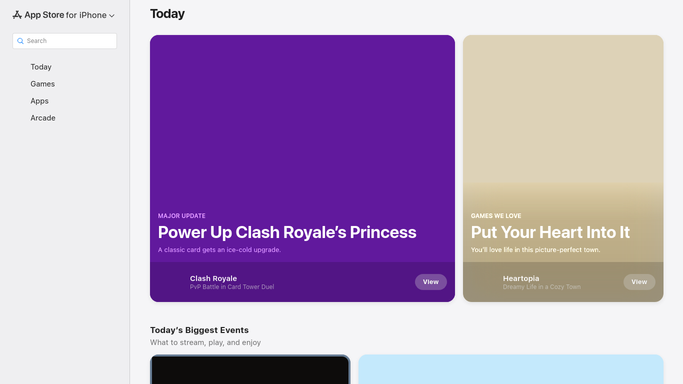
App Store - read new reviews
apps.apple.com

WebRun opens App Store to read new reviews. - Open App Store Connect and navigate to your app's Ratings & Reviews section
- Filter for reviews posted since the previous run
- Note the star rating, reviewer name, title, and review body for each
- Flag any 1 to 3 star review and draft a response - leave it unposted
Done when All new App Store reviews are read and low-star ones have draft responses.
-
2
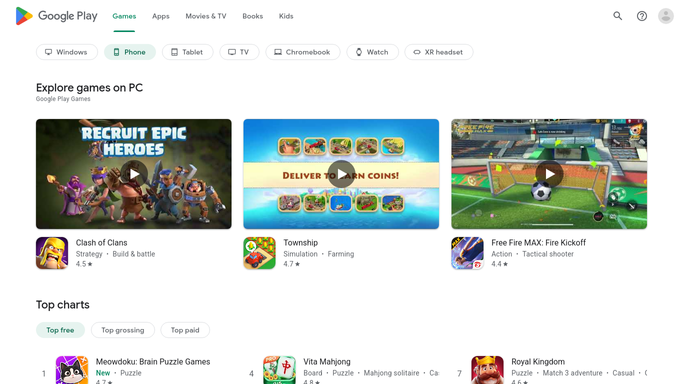
Google Play - read new reviews
play.google.com
WebRun opens Google Play to read new reviews. - Open the Google Play Console and go to your app's Ratings & Reviews section
- Filter for reviews posted since the previous run
- Note the star rating, reviewer, and body for each new review
- Flag any 1 to 3 star review and draft a response - leave it unposted
Done when All new Google Play reviews are read and low-star ones have draft responses.
-
3
Slack - post digest with flagged reviews
slack.com How to Automate Slack
WebRun opens Slack to post digest with flagged reviews. - Post a morning digest listing total new reviews per store and overall rating
- Include each flagged low-star review with its draft response so your team can approve and reply
Done when The morning digest is posted to Slack with all flagged reviews and draft responses.

How can I automatically monitor and respond to App Store and Google Play reviews?
Every morning, WebRun opens your App Store and Google Play developer pages, reads new reviews posted overnight, drafts a response to any low-star feedback, and posts a digest to your Slack channel - so your team can respond to mobile app reviews fast, every single day.
- New mobile app reviews spotted every morning across both stores
- Low-star feedback flagged with a draft response ready for the team
- Review digest posted to Slack so the whole team stays informed
Built for mobile app developers · SaaS companies · app marketing teams · product managers
How is each run configured?
Secure by default
Connect once, stays signed in
WebRun signs in once and keeps each session in a persistent environment, so every run picks up right where it left off.
Every action is checked against this policy before it runs.
Questions, answered
Will it reply to app reviews automatically?
No - all replies are drafted and sent to Slack for your team to approve. WebRun never posts a store reply on its own.
Does it cover both stores even if we only care about one?
You can drop either store from the plan and WebRun will monitor only the ones you specify.
What if we have multiple apps?
Add each app to the plan steps - WebRun will loop through them and include all in the same daily digest.
Related templates
Put this on autopilot.
Turn it on in minutes - or have our team set it up for you.