Draft win-back messages for lapsed micro market loyalty members
Every Monday, WebRun opens 365 Retail Markets ADM, identifies loyalty members whose last purchase was 30 or more days ago, drafts a personalised win-back message in Mailchimp for each lapsed member, and posts a summary to Slack for your team to review and approve before anything is sent.
- No credit card
- Under $0.01 per run
- Cancel anytime
What does WebRun do on every run?
The exact actions WebRun takes, in order - in plain language, so you can adjust anything.
-
WebRun signs in and gets to work
Opens
adm.365retailmarkets.comin a real browser with your saved login - no setup, no API keys. -
1
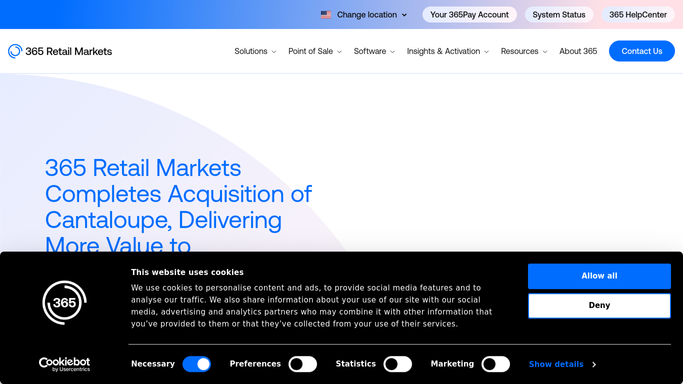
365 Retail Markets - identify lapsed loyalty members by last purchase date
365retailmarkets.com How to Automate 365 Retail Markets

WebRun opens 365 Retail Markets to identify lapsed loyalty members by last purchase date. - Open ADM and navigate to the loyalty or Global Market Account member reports
- Filter to members whose last transaction date is 30 or more days ago and who have at least one prior purchase
- Capture the member's name, email, home market location, loyalty point balance, and last purchased items
- Exclude members who have already received a win-back message in the last 60 days
Done when A list of lapsed loyalty members is compiled with their profile and purchase history details.
-
2
Mailchimp - draft personalised win-back messages for review
mailchimp.com How to Automate Mailchimp
WebRun opens Mailchimp to draft personalised win-back messages for review. - Create a draft campaign in Mailchimp targeting the lapsed member segment
- Personalise the subject line with the member's first name and their home market location
- Include their current loyalty point balance and a reminder of what they can redeem
- Leave the campaign as a draft. Do not schedule or send it without team approval
Done when A Mailchimp draft campaign is created for the lapsed member segment and is ready for review.
-
3
Slack - notify team that drafts are ready for approval
slack.com How to Automate Slack
WebRun opens Slack to notify team that drafts are ready for approval. - Post a notification to the marketing channel confirming the draft win-back campaign is ready in Mailchimp
- Include a count of lapsed members targeted and a link to the Mailchimp draft for review
- Remind the team that the campaign must be approved and sent manually
Done when The marketing team has a Slack notification with the draft count and a direct link to the Mailchimp campaign for review.


How do I automatically draft win-back messages for lapsed micro market loyalty members?
WebRun identifies loyalty members who have not purchased in 30 or more days in 365 Retail Markets ADM, drafts a personalised win-back campaign in Mailchimp using each member's name, home market, and point balance, and notifies the marketing team in Slack so they can review and approve before any email reaches a customer.
- Lapsed loyalty members are identified and targeted every week without manual ADM exports
- Every win-back draft is personalised with the member's name, location, and point balance
- No customer email is sent without team review, eliminating the risk of accidental sends
Built for micro market operators · unattended retail marketing teams · loyalty program managers · route operators
How is each run configured?
Secure by default
Connect once, stays signed in
WebRun signs in once and keeps each session in a persistent environment, so every run picks up right where it left off.
Every action is checked against this policy before it runs.
Questions, answered
Will it send the win-back email to customers automatically?
No. WebRun creates a draft campaign in Mailchimp and notifies the team in Slack, but the campaign stays in draft until a team member reviews and sends it manually. Nothing goes to customers without human approval.
How does it decide which members are lapsed?
It uses the last transaction date in 365 Retail Markets ADM. The default lapse window is 30 days, and you can adjust that threshold when connecting the workflow. Members who already received a win-back in the last 60 days are excluded to prevent over-messaging.
Can it personalise the message using the member's purchase history?
Yes. WebRun reads each member's last purchased items from ADM and includes that detail in the Mailchimp draft so the message feels relevant to their actual buying habits rather than generic.
Related templates
Put this on autopilot.
Turn it on in minutes - or have our team set it up for you.