Keep your menu and hours in sync everywhere
Every morning, WebRun checks your menu and hours on Google Business Profile, DoorDash, and Uber Eats, spots any item, price, or hours mismatch, and posts a discrepancy report to Slack so your team can correct the platform before orders start.
- No credit card
- Under $0.01 per run
- Cancel anytime
What does WebRun do on every run?
The exact actions WebRun takes, in order - in plain language, so you can adjust anything.
-
WebRun signs in and gets to work
Opens
business.google.comin a real browser with your saved login - no setup, no API keys. -
1
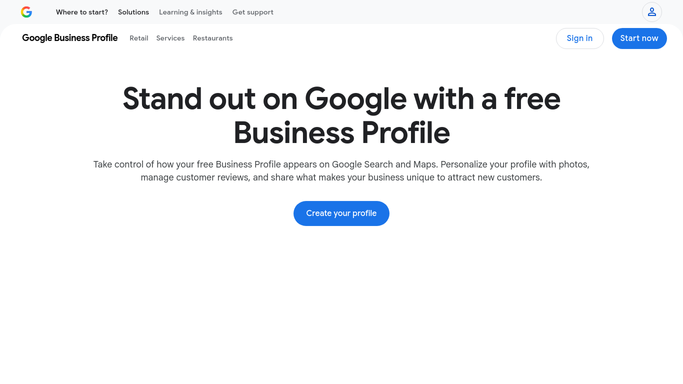
Google Business Profile - read live hours and menu
business.google.com How to Automate Google Business Profile

WebRun opens Google Business Profile to read live hours and menu. - Open Google Business Profile and read your current opening hours and any seasonal notes
- Capture the full menu or at least the headline items and prices listed
- Note any upcoming special-hours exceptions
Done when Your Google Business Profile data is captured as the reference version.
-
2
DoorDash - compare menu and hours
doordash.com
WebRun opens DoorDash to compare menu and hours. - Log in to the DoorDash Merchant Portal and open Menu and Store Hours
- Compare each item name, price, and availability against the Google reference
- Flag any item that is missing, priced differently, or marked unavailable incorrectly
Done when DoorDash menu and hours are checked against the reference.
-
3
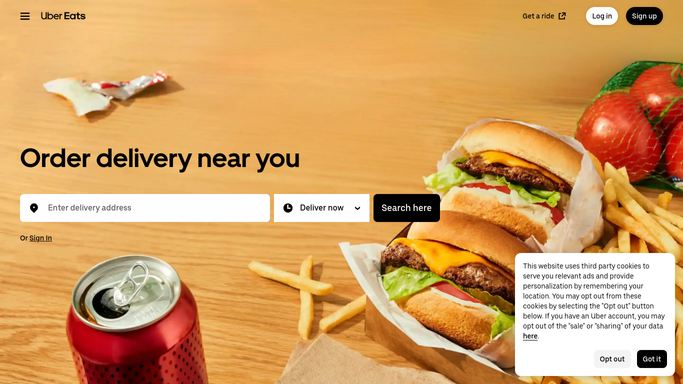
Uber Eats - compare menu and hours
ubereats.com
WebRun opens Uber Eats to compare menu and hours. - Log in to Uber Eats Restaurant Manager and open Menu and Store Hours
- Compare each item and price against the Google reference
- Flag any discrepancy - missing items, price differences, or wrong hours
Done when Uber Eats menu and hours are checked against the reference.
-
4
Slack - report mismatches to your team
slack.com How to Automate Slack
WebRun opens Slack to report mismatches to your team. - Post a platform-by-platform discrepancy list: item, platform, what differs
- If everything matches, post a one-line green-light confirmation
Done when Your team has a clear fix-list or an all-clear before service starts.

How can I keep my restaurant menu and hours in sync across Google, DoorDash, and Uber Eats?
Every morning, WebRun checks your menu items, prices, and opening hours across Google Business Profile, DoorDash, and Uber Eats for discrepancies, then posts a clear mismatch report to Slack so your team can correct any platform before orders start rolling in.
- Menu discrepancies caught before customer orders are placed
- Consistent pricing and hours across all delivery platforms
- Team alerted in Slack with actionable correction details
Built for restaurant operators · delivery-focused food businesses · ghost kitchen teams · multi-location restaurant groups
How is each run configured?
Secure by default
Connect once, stays signed in
WebRun signs in once and keeps each session in a persistent environment, so every run picks up right where it left off.
Every action is checked against this policy before it runs.
Questions, answered
Will it automatically update the menus on each platform?
No - it reports what is out of sync and your team makes the edits. This keeps a human in the loop for any change to your live listings.
What if we add a new item midday?
Run it on-demand at any time after you update Google and it will immediately surface what the other platforms still show.
Can it check our own website too?
Yes - add your website as a fourth app in the flow and WebRun will include it in the comparison.
Related templates
Put this on autopilot.
Turn it on in minutes - or have our team set it up for you.