Turn revisions around fast
Every few minutes, WebRun opens a la mode Total, finds orders with outstanding revision requests, drafts a professional acknowledgment email in Gmail for each, and posts a Slack alert so you can review and send the reply before the revision sits unanswered.
- No credit card
- Under $0.01 per run
- Cancel anytime
What does WebRun do on every run?
The exact actions WebRun takes, in order - in plain language, so you can adjust anything.
-
WebRun signs in and gets to work
Opens
www.alamode.comin a real browser with your saved login - no setup, no API keys. -
1
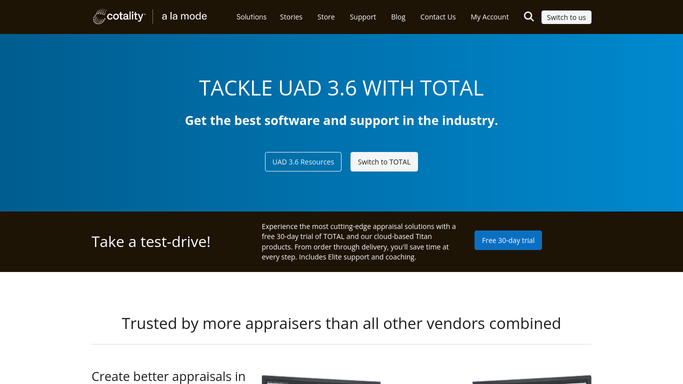
a la mode Total - flag pending revision requests
alamode.com

WebRun opens a la mode Total to flag pending revision requests. - Open a la mode Total and review the active order list
- Identify orders with a revision request status or a new revision note
- Capture the order number, property address, lender or AMC client, revision request details, and any stated deadline
Done when Every order with a pending revision request is listed with the full request details.
-
2
Gmail - draft acknowledgment reply
gmail.com How to Automate Gmail
WebRun opens Gmail to draft acknowledgment reply. - Draft a professional acknowledgment email for each revision request, addressing it to the lender or AMC contact on file
- Summarize the revision requested and confirm you are reviewing it
- Save each message as a Gmail draft. Do not send. Leave it for your review before anything goes to the client
Done when A Gmail draft acknowledgment exists for every pending revision request.
-
3
Slack - alert appraiser for review
slack.com How to Automate Slack
WebRun opens Slack to alert appraiser for review. - Post a Slack alert for each revision, naming the property, client, and the nature of the request
- Link to the Gmail draft and note it is awaiting your review before sending
- Flag any revision with a same-day deadline at the top of the alert
Done when You have a Slack notification for every open revision with the draft email ready to review.


How do I automatically track and respond to appraisal revision requests?
WebRun checks a la mode Total every few minutes for orders with open revision requests, drafts a professional acknowledgment email in Gmail for each, and posts a Slack alert so you can review and send before the revision sits unanswered. Every draft waits for your approval before anything reaches a lender or AMC.
- Every revision request is caught within minutes of arriving
- Draft replies ready to send without starting from a blank email
- No revision sits unacknowledged past the same business day
Built for residential appraisers · appraisal firms · AMC-connected appraisers · commercial appraisers
How is each run configured?
Secure by default
Connect once, stays signed in
WebRun signs in once and keeps each session in a persistent environment, so every run picks up right where it left off.
Every action is checked against this policy before it runs.
Questions, answered
Will it send revision reply emails without my approval?
No. Every reply is saved as a Gmail draft and flagged in Slack for your review. Nothing goes to a lender or AMC until you read it and click Send, keeping you fully in control of client communications.
How does it know what the revision is asking for?
It reads the revision notes and status recorded in a la mode Total and includes those details in the draft email so you can verify the response is accurate before sending.
What if the same order has multiple revision rounds?
WebRun checks for any new or updated revision notes each run, so subsequent revision rounds on the same order are caught and drafted just like the first one.
Related templates
Put this on autopilot.
Turn it on in minutes - or have our team set it up for you.