Automated ShipBob Low Inventory Alerts
Every morning, WebRun opens the ShipBob merchant dashboard, checks on-hand quantity per SKU across every fulfillment center against its reorder point, logs each low SKU to an Airtable tracker, and creates a Notion restock task for anything newly below threshold so fulfillment does not stall.
How do I get alerted before ShipBob inventory runs low?
WebRun checks the ShipBob merchant dashboard every morning for SKU inventory across every fulfillment center against each product's reorder point, logs low SKUs to an Airtable tracker, and creates a Notion restock task for anything newly below threshold. This keeps fulfillment from stalling on a stock-out no one noticed yet.
- Low stock is caught before it stalls order fulfillment
- Restock tasks are prioritized by how many warehouses are affected
- Restocked SKUs drop off the queue automatically
Built for ecommerce brands using 3PL fulfillment · ShipBob merchants · supply chain coordinators · DTC operations teams
What does WebRun do on every run?
The exact actions WebRun takes, in order - in plain language, so you can adjust anything.
-
WebRun signs in and gets to work
Opens
shipbob.comin a real browser with your saved login - no setup, no API keys. -
1
ShipBob - check warehouse inventory levels
shipbob.com
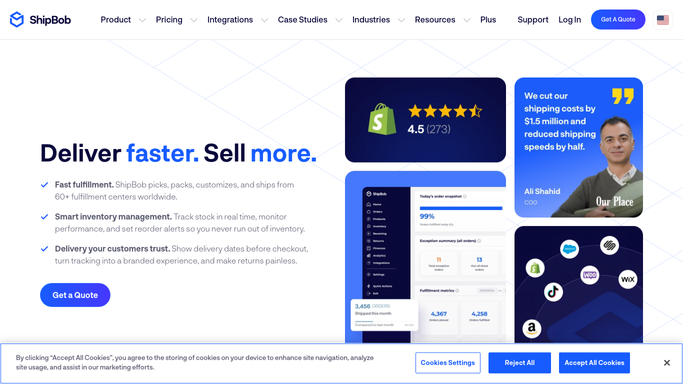
WebRun opens ShipBob to check warehouse inventory levels. - Open the ShipBob merchant dashboard and go to Inventory
- Check on-hand quantity per SKU across every fulfillment center
- Flag any SKU below its configured reorder point
Done when Every SKU's inventory across warehouses is checked against its reorder point.
-
2
Airtable - log the low-inventory list
airtable.com

WebRun opens Airtable to log the low-inventory list. - Open the ShipBob Inventory base in Airtable
- Add a row for each SKU below its reorder point with quantity and warehouse
- Update the row once a SKU is restocked on a later check
Done when The Airtable base reflects every SKU currently below its reorder point.
-
3
Notion - create a restock task
notion.so

WebRun opens Notion to create a restock task. - Add a Notion task for each newly low SKU with the supplier and quantity needed
- Mark the task high priority if the SKU is out at more than one warehouse
- Skip creating a duplicate task for a SKU already being restocked
Done when Every newly low SKU has a restock task in Notion.
How is each run configured?
Secure by default
Connect once, stays signed in
WebRun signs in once and keeps each session in a persistent environment, so every run picks up right where it left off.
Every action is checked against this policy before it runs.
Questions, answered
Will it place a restock shipment to ShipBob automatically?
No. WebRun only reads inventory levels and creates the restock task. Sending new inventory to ShipBob stays a decision your team makes with the supplier.
How is a SKU marked high priority?
Any SKU that is low or out at more than one fulfillment center gets marked high priority, since that affects shipping speed across a wider set of orders.
What happens once a SKU is restocked?
It checks live inventory each morning, so a SKU that is topped up drops off the low-inventory list and its Airtable row is marked updated.
Related templates
Put this on autopilot.
Turn it on in minutes - or have our team set it up for you.