Get a daily digest of your fleet's activity
Every night, WebRun opens Verizon Connect, pulls each vehicle's mileage, idle time, and any driver alerts from the day, logs it to a Google Sheet, and emails your fleet manager a daily summary so nothing from the day gets missed.
- No credit card
- Under $0.01 per run
- Cancel anytime
What does WebRun do on every run?
The exact actions WebRun takes, in order - in plain language, so you can adjust anything.
-
WebRun signs in and gets to work
Opens
www.verizonconnect.comin a real browser with your saved login - no setup, no API keys. -
1
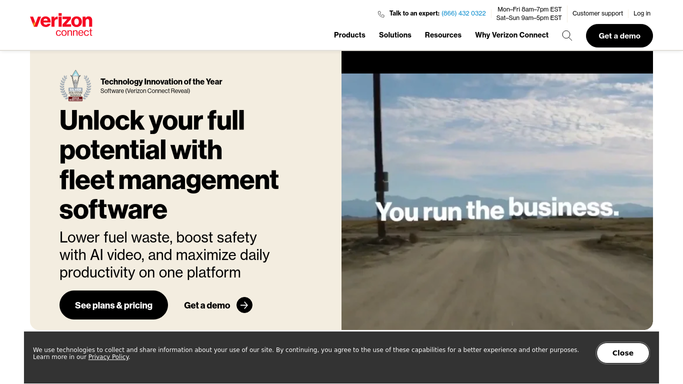
Verizon Connect - pull the day's vehicle activity
verizonconnect.com

WebRun opens Verizon Connect to pull the day's vehicle activity. - Open Verizon Connect and review the fleet dashboard
- Pull each vehicle's mileage, idle time, and stops for the day
- Note any speeding, harsh braking, or maintenance alerts
Done when Every active vehicle's activity for the day has been captured.
-
2
Google Sheets - log mileage and alerts per vehicle
google.com How to Automate Google Sheets
WebRun opens Google Sheets to log mileage and alerts per vehicle. - Open the fleet activity log in Google Sheets
- Add a row per vehicle with mileage, idle time, and alerts
- Highlight any vehicle with a new alert today
Done when The day's activity is logged on the sheet for every vehicle.
-
3
Gmail - email the daily fleet summary
gmail.com How to Automate Gmail
WebRun opens Gmail to email the daily fleet summary. - Draft a daily fleet summary from the day's log
- List vehicles with alerts first, then total mileage and idle time
- Send the summary to the fleet manager's inbox
Done when The fleet manager has today's summary in their inbox.


How do I get a daily summary of my Verizon Connect fleet activity?
WebRun reviews your Verizon Connect fleet every night, pulling each vehicle's mileage, idle time, and any driver alerts from the day. It logs the numbers to a Google Sheet and emails your fleet manager a summary, so unusual activity and maintenance flags are visible every morning without opening the dashboard.
- Fleet managers start the day with a full activity summary already written
- Every vehicle's mileage and alerts are logged automatically each night
- Speeding and harsh braking alerts surface at the top of the digest
Built for fleet managers · field service operations · delivery and logistics teams · facilities and trades businesses
How is each run configured?
Secure by default
Connect once, stays signed in
WebRun signs in once and keeps each session in a persistent environment, so every run picks up right where it left off.
Every action is checked against this policy before it runs.
Questions, answered
Will it alert drivers directly?
No. WebRun only reports to your fleet manager by email and logs activity to a sheet. It never contacts a driver on its own.
What counts as an alert?
It reads whatever Verizon Connect flags for that vehicle, such as speeding, harsh braking, or a maintenance notice, and lists those vehicles first in the summary.
Can I see the full history, not just today?
Yes. Every day's numbers are added as a new row in the Google Sheet, so you get a running log alongside the daily email.
Related templates
Put this on autopilot.
Turn it on in minutes - or have our team set it up for you.