Automated MightyCall Monthly Minutes Reconciliation
On the first Monday of every month, WebRun opens the MightyCall account, compares minutes used across every extension against the plan's monthly allowance, logs an overage card to Trello if usage is trending past it, and alerts the admin in Microsoft Teams so an upgrade decision can be made before the invoice.
How do I track MightyCall minute usage against my plan?
WebRun compares MightyCall minutes used across all extensions against the plan allowance on the first Monday of every month, logs a Trello card if usage is trending toward an overage, and alerts the admin in Microsoft Teams, so a plan upgrade decision happens before the extra minutes hit the invoice.
- Overage risk is flagged before the month closes
- The admin gets a direct Teams alert, not a surprise invoice
- Every month's usage has a logged Trello record
Built for small business owners · office managers · IT admins · operations leads
What does WebRun do on every run?
The exact actions WebRun takes, in order - in plain language, so you can adjust anything.
-
WebRun signs in and gets to work
Opens
mightycall.comin a real browser with your saved login - no setup, no API keys. -
1
MightyCall - check minutes used
mightycall.com
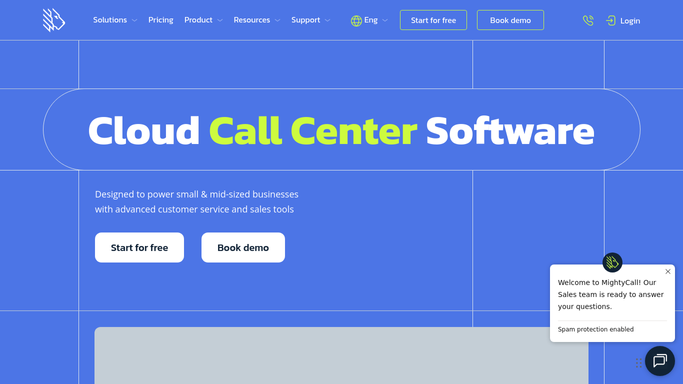
WebRun opens MightyCall to check minutes used. - Open the MightyCall account usage view
- Pull minutes used this month across all extensions
- Compare against the plan's monthly minute allowance
Done when This month's minute usage is compared against the plan allowance.
-
2
Trello - log any overage
trello.com

WebRun opens Trello to log any overage. - Add a card to the Billing board if usage is trending over the allowance
- Note the current pace and the projected overage
- Leave the card open until the month closes
Done when An overage card exists if this month is trending past the allowance.
-
3
Microsoft Teams - alert the admin
microsoft.com

WebRun opens Microsoft Teams to alert the admin. - Post a message to the admin channel if an overage card was created
- Include the projected overage amount
- Skip the alert on a month within allowance
Done when The admin has been alerted in Teams about any projected overage.
How is each run configured?
Secure by default
Connect once, stays signed in
WebRun signs in once and keeps each session in a persistent environment, so every run picks up right where it left off.
Every action is checked against this policy before it runs.
Questions, answered
Does WebRun upgrade the plan automatically?
No. It only compares usage against the allowance and flags a projected overage. Upgrading the plan is a decision your admin makes.
How is an overage projected mid month?
By comparing this month's pace of minute usage so far against the full monthly allowance, so a likely overage is flagged before the month actually closes.
What happens if the month ends within allowance after all?
The Trello card stays as a record for that month, but the admin is only alerted in Teams when a projected overage is genuinely likely.
Related templates
Put this on autopilot.
Turn it on in minutes - or have our team set it up for you.