Hand off Home Depot material deliveries to the right job site crew
Every morning, WebRun opens your Home Depot Pro order history, checks which orders are now delivered or ready for pickup, creates a Trello card on the matching job's board with the material list, and notifies the site foreman in Microsoft Teams so nothing sits uninspected on site.
- No credit card
- Under $0.01 per run
- Cancel anytime
How do I notify my job site when a Home Depot Pro order arrives?
WebRun checks your Home Depot Pro orders every morning for anything delivered or ready for pickup, creates a Trello card on the matching job's board with the material list, and notifies the site foreman in Microsoft Teams. Materials get checked in the same day they arrive, instead of sitting unnoticed on site.
- Deliveries get checked in the same day, not whenever someone notices the pallet
- Every job's material list lives on its own Trello card automatically
- Foremen get one grouped notification instead of one per item
Built for general contractors · construction site foremen · remodeling businesses · trade crews
What does WebRun do on every run?
The exact actions WebRun takes, in order - in plain language, so you can adjust anything.
-
WebRun signs in and gets to work
Opens
homedepot.comin a real browser with your saved login - no setup, no API keys. -
1
Home Depot - check for delivered or ready orders
homedepot.com
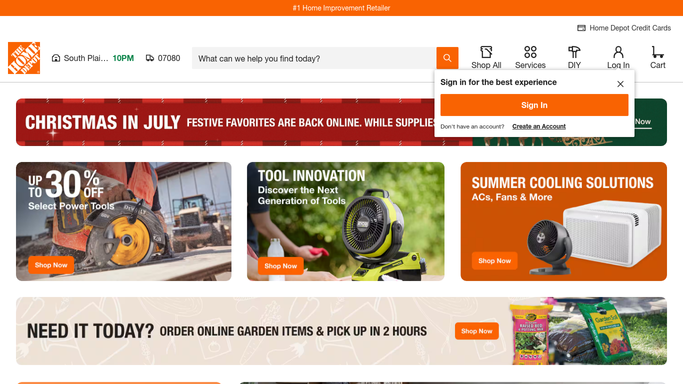
WebRun opens Home Depot to check for delivered or ready orders. - Open Home Depot Pro order history and check status on every open order
- Find any order that's now delivered or ready for pickup since the last run
- Note the material list and which job it was ordered for
Done when Every newly delivered or ready order has been identified with its material list.
-
2
Trello - create a job-site card
trello.com How to Automate Trello

WebRun opens Trello to create a job-site card. - Create a card on the matching job's board for each newly delivered order
- List the materials and the order number on the card
- Move the card to a Ready for Pickup list if that's the status instead of Delivered
Done when Every newly delivered or ready order has a card on the right job board.
-
3
Microsoft Teams - notify the foreman
microsoft.com How to Automate Microsoft Teams

WebRun opens Microsoft Teams to notify the foreman. - Notify the site foreman for that job with what arrived or is ready
- Link to the Trello card in the message
- Group multiple orders for the same job into one message
Done when The foreman has been notified about every delivery or pickup for their job.
How is each run configured?
Secure by default
Connect once, stays signed in
WebRun signs in once and keeps each session in a persistent environment, so every run picks up right where it left off.
Every action is checked against this policy before it runs.
Questions, answered
Will it place material orders for a job?
No. WebRun only tracks orders you've already placed. It never orders materials on its own.
How does it know which job an order belongs to?
It matches the order to the job using the order or PO reference you used when placing it on Home Depot, so it lands on the right Trello board.
What if a job has multiple deliveries in one day?
They're grouped into a single Teams message and added to the same Trello card list, so the foreman gets one notification, not one per box.
Related templates
Put this on autopilot.
Turn it on in minutes - or have our team set it up for you.